
Frame-accurate trimming
Drag both ends, save. It starts and ends exactly where you put it.
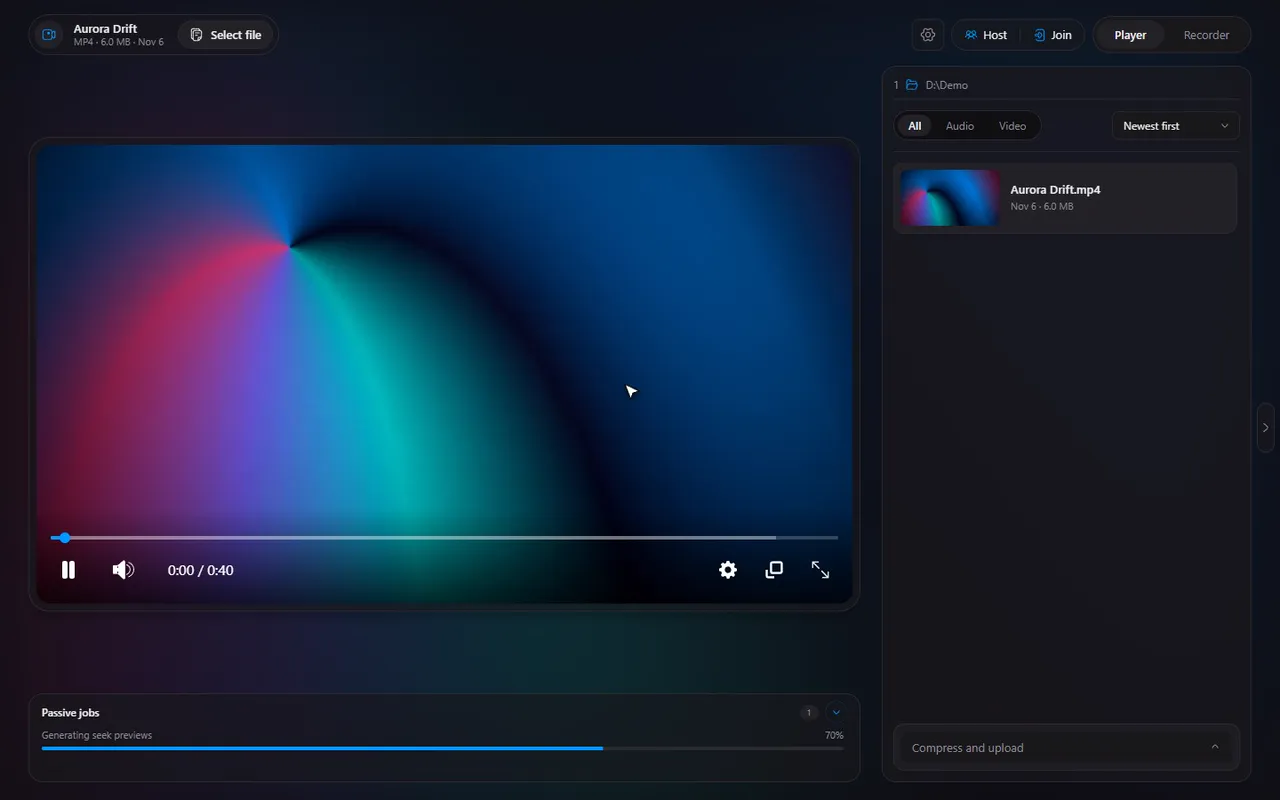
A fast, free media player for Windows, with a built-in screen recorder, instant clips and watch-together. No account. No ads.
v1.4.4 · 257 MB · Windows 10 & 11 · Free
The app
A player, a recorder and a watch party, sharing one small window. Pick one, or let them play.
 Timeline
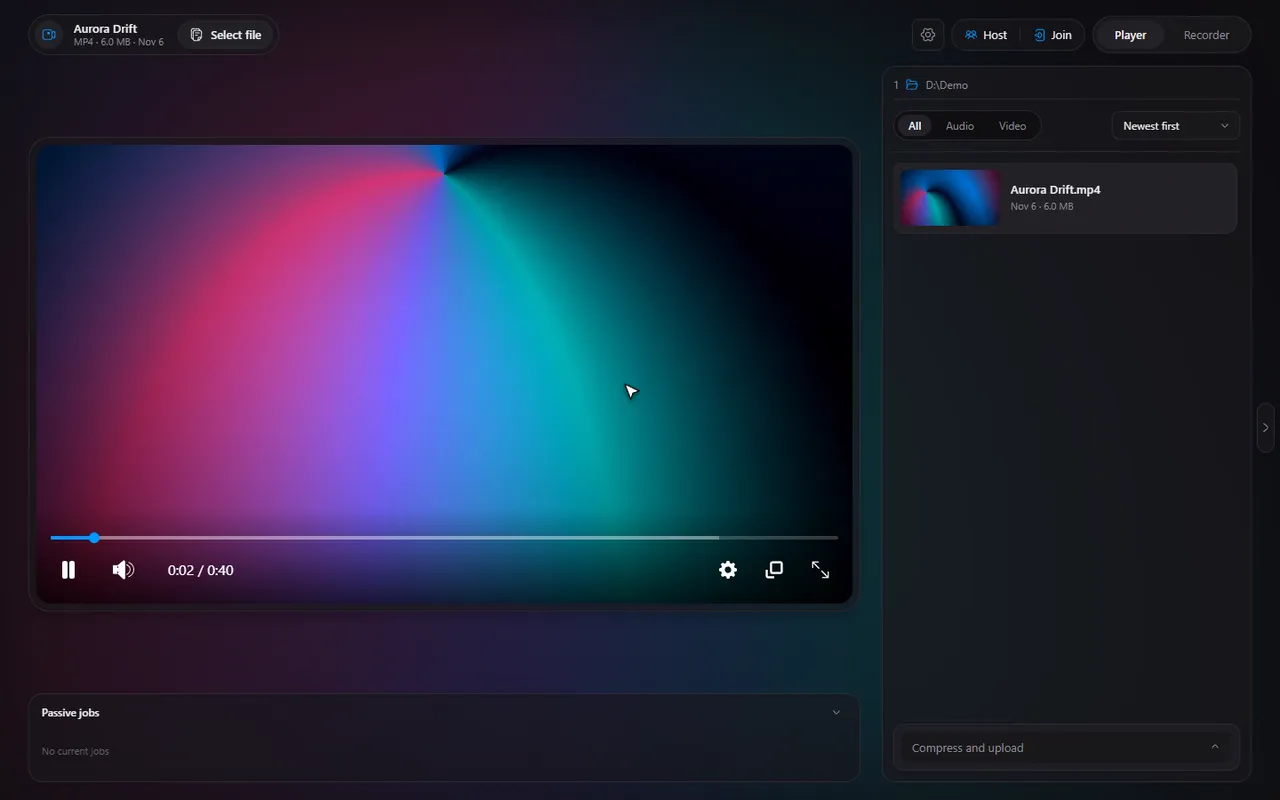
Player
Drag both ends, save. It starts and ends exactly where you put it.
See a moment before you jump to it.
Rebind any shortcut in two clicks.
A clip is saved: open it, or show it in its folder.
Close the window, keep recording.
~95MB
memory, waiting in the tray
Shrink a clip on your graphics card, upload it, get a link.
13 video and audio formats. Broken files are repaired as they open.
Recorder
Turn clipping on and Timeline keeps the last few minutes ready. Something good happens: press the key, and it is saved. No re-encoding, no waiting.
Watch together
Host what you have open and share a code. Everyone sees the same frame at the same time, and the chat sits right beside it. The video streams from your PC: nothing is uploaded anywhere.
Timeline
No account
Download, open a file, done. Even watching together needs only a code.
No ads
Timeline shows none, and it is free.
Your files stay put
Anonymous usage numbers can be switched off in Settings. Never your file names, folders, PC name or IP address.
The short answers.
Yes. You can download and use it for free.
Windows 10 and 11. Other systems are not supported at the moment.
No. Everything Timeline needs to play and record comes with it.
A whole monitor or a single window, with your computer's sound, your microphone, or both. Turn clipping on and Timeline always keeps the last few minutes ready: press Alt+F10 and that moment is saved instantly. Alt+F11 starts a recording and Alt+F12 stops it, and you can change all three keys.
MP4, MKV, WebM, AVI and MOV video, and MP3, WAV, FLAC, AAC, M4A, OGG and Opus audio. A file that is broken or in an awkward format is repaired or converted as it opens.
One person hosts the video they have open and shares a 6-digit code (or an invite link). Everyone who joins watches the same video in sync, with a chat beside it. The video streams from the host's PC, so the host's connection needs to allow it: Timeline can try to open the port on the router by itself (UPnP), or you can use a tunnel address, or watch on the same network.
Timeline can send anonymous usage numbers and errors, and you can switch that off in Settings, About, Usage data. It never sends file names, folders, your PC name or your IP address.