
Blog
Guides, tips and answers.
How to get the most out of Timeline: playing, trimming, recording, clipping and watching together on Windows. Every post is checked against the real app.
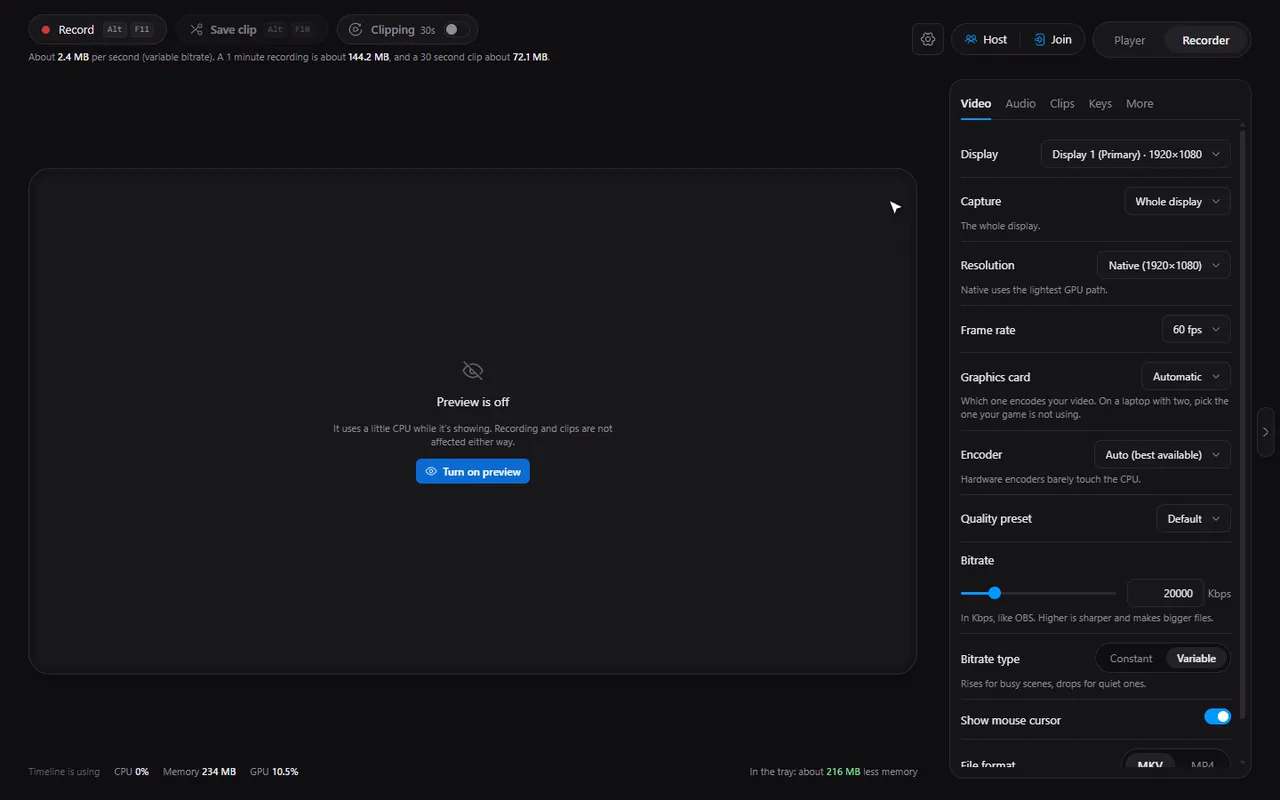
How to save the last 30 seconds of gameplay on Windows, with one key
Turn on clipping once, then press Alt+F10 whenever something good happens. How the replay buffer works and how to set it up.
2 min read · Nov 7, 2026
Player guides
Playing every format, seek previews, trimming, speed, captions, compressing and sharing.
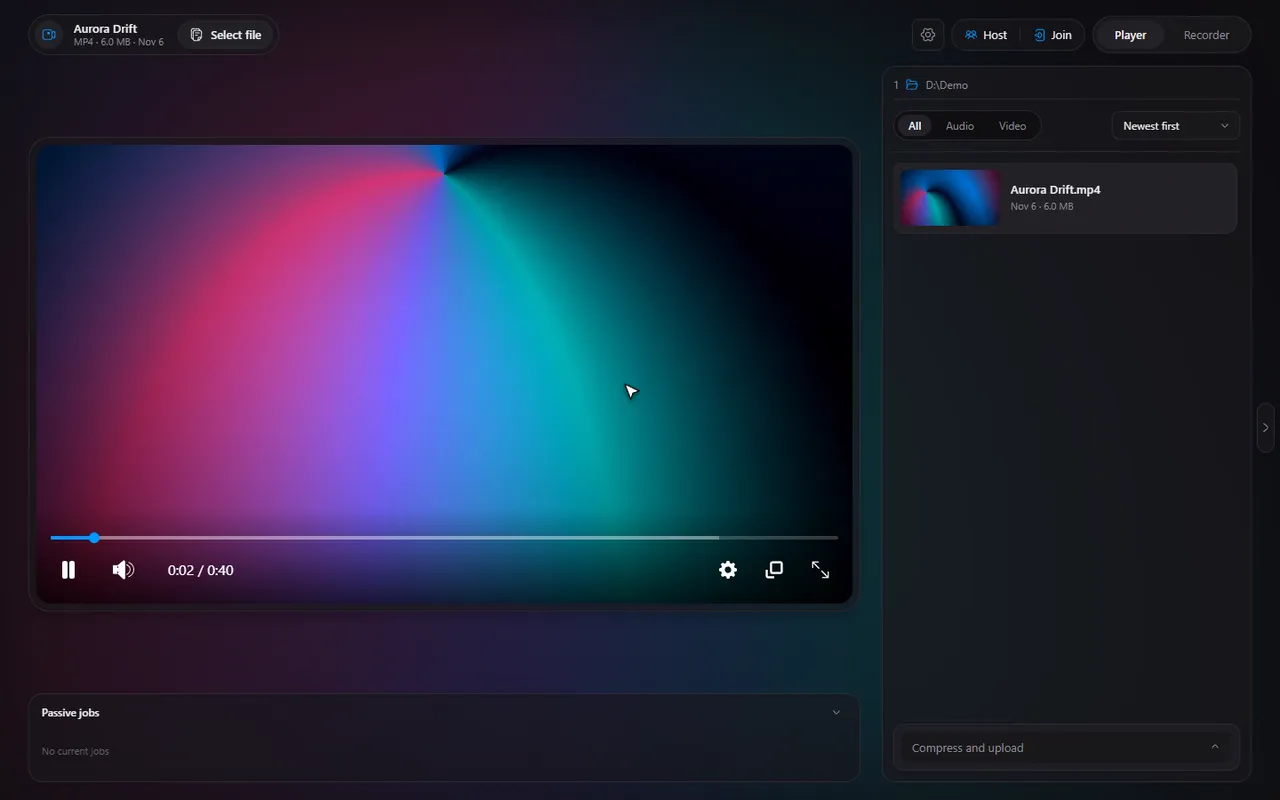
Seek bar preview thumbnails on Windows: how they work and how to turn them off
The little pictures that appear when you hover the seek bar: how they are made in the background, what they cost and where the switch is.
3 min read · Nov 7, 2026
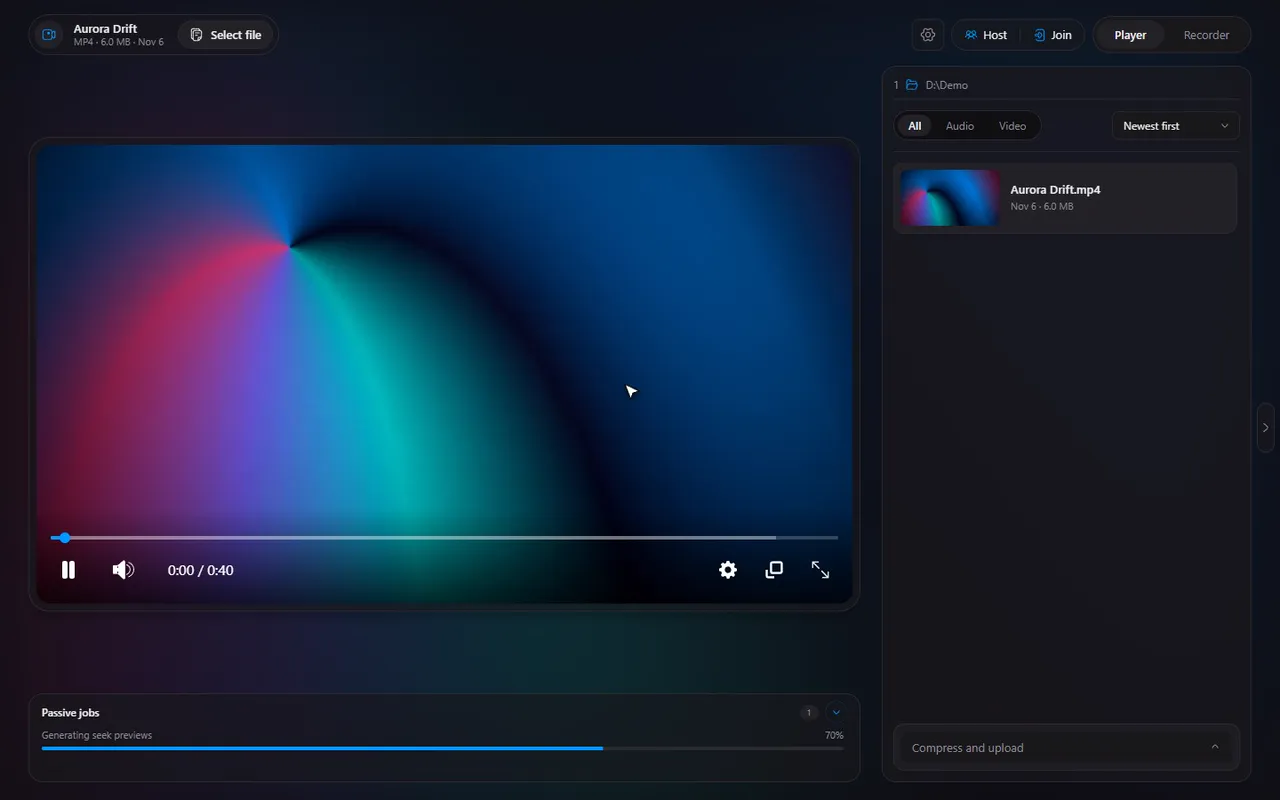
How to trim a video on Windows, frame-accurately, without an editor
Turn on Trimming, drag the two handles, and save the part you want as a new file. No editor to install, and the original stays untouched.
3 min read · Nov 7, 2026
How to change video playback speed on Windows, from 0.1x to 16x
Presets from 0.5x to 2x and a custom slider from 0.1x to 16x: how to speed up lectures or slow down a clip you want to study.
2 min read · Nov 7, 2026
Step through a video frame by frame on Windows
Ctrl and the arrow keys move a video one frame at a time. Here is when frame stepping helps and how it pairs with trimming.
2 min read · Nov 7, 2026
Timeline keyboard shortcuts: the complete list, and how to change them
All the default keys in one table: the player's controls, the number-key jumps, and the recorder's global hotkeys. Plus how to rebind any of them.
2 min read · Nov 7, 2026
Ambient mode: the soft glow behind your video, and when to turn it off
A glow of the video's own colours behind the player. Here is what ambient mode does, the GPU cost, and where the switch is.
2 min read · Nov 7, 2026
Play MKV, AVI, MOV, WebM and MP4 on Windows with one free player
The five video formats Timeline plays, what happens with broken files and old AVIs, and how to make it open any of them with a double-click.
2 min read · Nov 7, 2026
Play FLAC, Opus, M4A, MP3 and other audio files on Windows
A music or podcast file opens in the same player as your videos. The eight audio formats Timeline plays and what changes when there is no picture.
2 min read · Nov 7, 2026
Add subtitles (SRT or VTT) to any video and fix caption delay
Pick an SRT or VTT file for a video, then nudge the caption delay until the words match the voices. The host's captions are shared in a session.
2 min read · Nov 7, 2026
Compress a video to a target size on Windows (under 25 MB, or any number)
Type the size you need, such as 25 MB for a chat app, pick a GPU encoder, and let Timeline make a smaller copy.
2 min read · Nov 7, 2026
Upload a video and share a link from the player, with Gofile
Pick Upload, press the button, and copy the link when it is done. What happens with and without a Gofile account token.
2 min read · Nov 7, 2026
Picture-in-picture and fullscreen: keep watching while you work
Float the video in a corner with Shift+P, or fill the screen with F. Plus how the ambient glow behaves in fullscreen.
2 min read · Nov 7, 2026
The file list: open from Explorer, filter, sort and jump to the next video
How Timeline opens files from Explorer and how the file list works: thumbnails, All/Video/Audio filters, sorting, hiding it, and the next and previous keys.
2 min read · Nov 7, 2026
Recorder guides
Screen recording, replay-buffer clips, audio tracks, encoders, hotkeys and the tray.
Record your screen on Windows with GPU encoding: a complete setup guide
From the first click to the saved file: display, resolution, frame rate, bitrate, the hotkeys and where the recording goes.
2 min read · Nov 7, 2026
Record a single window on Windows, with its own sound
Whole display, one window, or any fullscreen window: how to capture only the program you want, with its own audio.
2 min read · Nov 7, 2026
Record desktop audio and your microphone, mixed or on separate tracks
Desktop sound, microphone or both, as one track or two. What each setting does and when to keep the tracks apart.
2 min read · Nov 7, 2026
NVENC, AMD AMF, x264 or AV1: which encoder should you pick?
Hardware encoders, software encoders and AV1 explained in plain words, and how Timeline's Auto setting and automatic fallback work.
2 min read · Nov 7, 2026
Screen recording settings explained: bitrate, resolution, fps and file size
What each quality setting does, the defaults Timeline starts with, and how to guess a recording's file size before you press record.
2 min read · Nov 7, 2026
MKV or MP4 for screen recording? Why Timeline records MKV by default
The difference that matters when you record: one format protects your file if something goes wrong, the other plays on every device.
2 min read · Nov 7, 2026
Alt+F10 not saving clips? Fix a hotkey conflict with the NVIDIA overlay
GPU overlays such as the NVIDIA App often grab Alt+F10. Here is how Timeline tells you, and how to pick a different key.
2 min read · Nov 7, 2026
Run the screen recorder from the system tray, and start it with Windows
Close the window, keep recording. How the tray mode, Auto start and Start clipping when Timeline starts fit together.
2 min read · Nov 7, 2026
Recover an unfinished screen recording after a crash, and what the disk guard does
A crash, a full disk or a locked screen should not cost you a recording. What Timeline does in each case.
2 min read · Nov 7, 2026
Timeline's pop-up notifications: buttons, sounds, and what they do over games
A small pop-up with buttons appears when a clip is saved. Where it shows, how to configure it, and the one case where a game can hide it.
2 min read · Nov 7, 2026
See what you are recording: the live preview, free space and resource stats
A small live preview, a clip buffer indicator and honest numbers, with a preview that costs nothing when it is not on screen.
2 min read · Nov 7, 2026
Watch together guides
Host a session, join with a code, chat, keep everyone in sync and fix a slow connection.
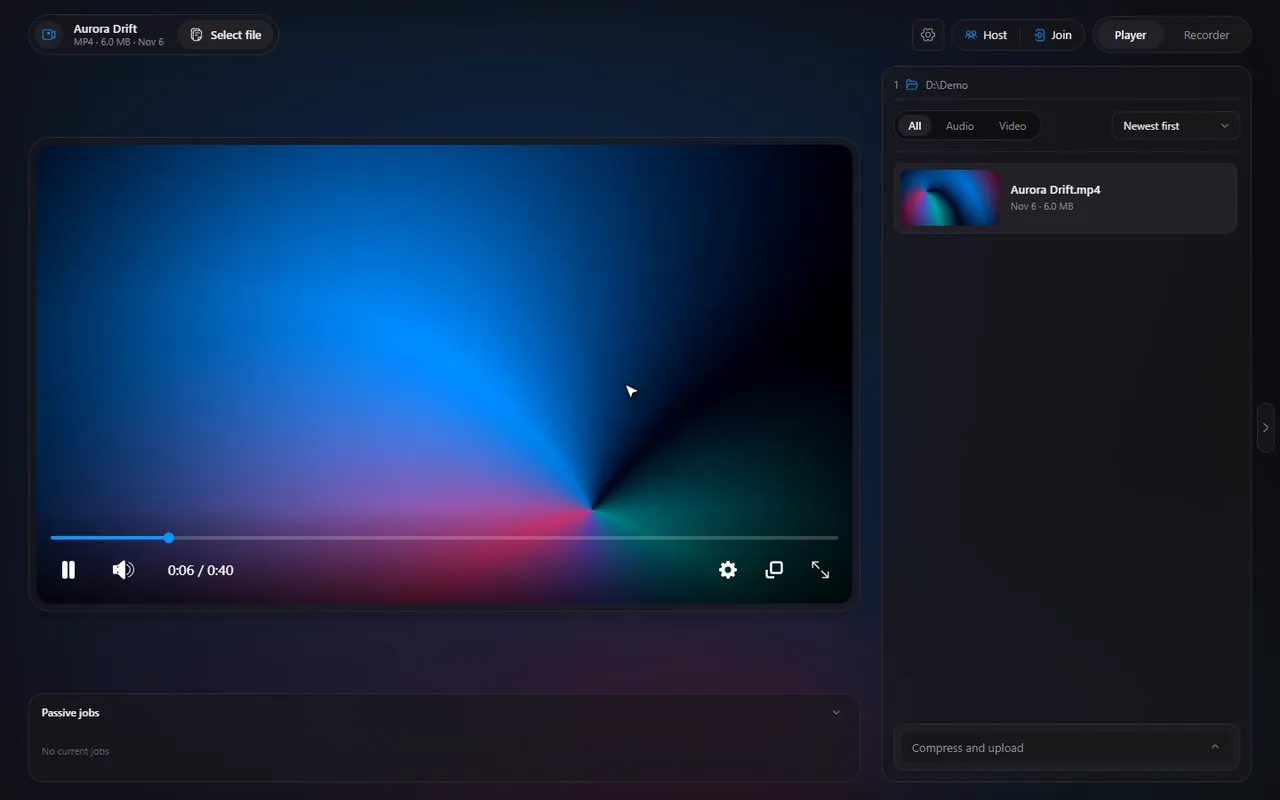
Watch videos together in sync on Windows: host a session or join with a code
One person opens the video and shares a 6-digit code. Everyone else joins and plays the same moment, in sync, with chat beside it.
3 min read · Nov 7, 2026
Host a watch party without port forwarding: UPnP, a tunnel, or the same network
Three ways to get your friends connected, what each needs, and how the Check my router and Test connection buttons help.
3 min read · Nov 7, 2026
Watch together: chat, who controls playback, and how to kick or ban someone
The chat and session log, the control switch, shared captions, and removing someone for the rest of the session.
2 min read · Nov 7, 2026
Why is a guest buffering in watch together? Read the network numbers and fix it
Each member shows live numbers and a one-line reason when someone is loading. What they mean and how to fix a slow session.
2 min read · Nov 7, 2026
Is Timeline's watch together private? What is stored, and what is not
Where the video goes, what the rooms database holds, how passwords are stored and when everything is deleted.
2 min read · Nov 7, 2026
Setup and settings guides
Default player, themes, the cache, usage data and updates.
Timeline for Windows: every feature of the free media player and screen recorder
A tour of the whole app: the player, the recorder and watch together, with a link to the full guide for every feature.
2 min read · Nov 7, 2026
Make Timeline your default video player on Windows 10 and 11
Windows decides the default apps. Timeline shows what is set for each of the 13 file types and sends you to the page that changes it.
2 min read · Nov 7, 2026
Timeline settings explained: General, Player, Recorder, Cache, Logs and About
What lives on each Settings page, so you can find the switch you are looking for in seconds.
2 min read · Nov 7, 2026
Free up disk space: what Timeline stores and how to clear it with the cache manager
The Cache page lists every folder Timeline uses, biggest first, with Open and Clear for each. What is safe to clear and what is in use.
2 min read · Nov 7, 2026
Timeline usage data: exactly what is sent, what is never sent, and how to turn it off
An honest list: what the anonymous usage data contains, what is never collected, and the switch to turn it off.
3 min read · Nov 7, 2026
Update Timeline and read what is new: updates, release notes and the changelog
Timeline updates itself from GitHub releases. Where to see your version, read What's new, and get an installer by hand.
2 min read · Nov 7, 2026