
Make Timeline your default video player on Windows 10 and 11
A double-click on any video should open the player you like. Windows only lets you decide that yourself, so here is the quick way.
 LAAGU··2 min readTimeline
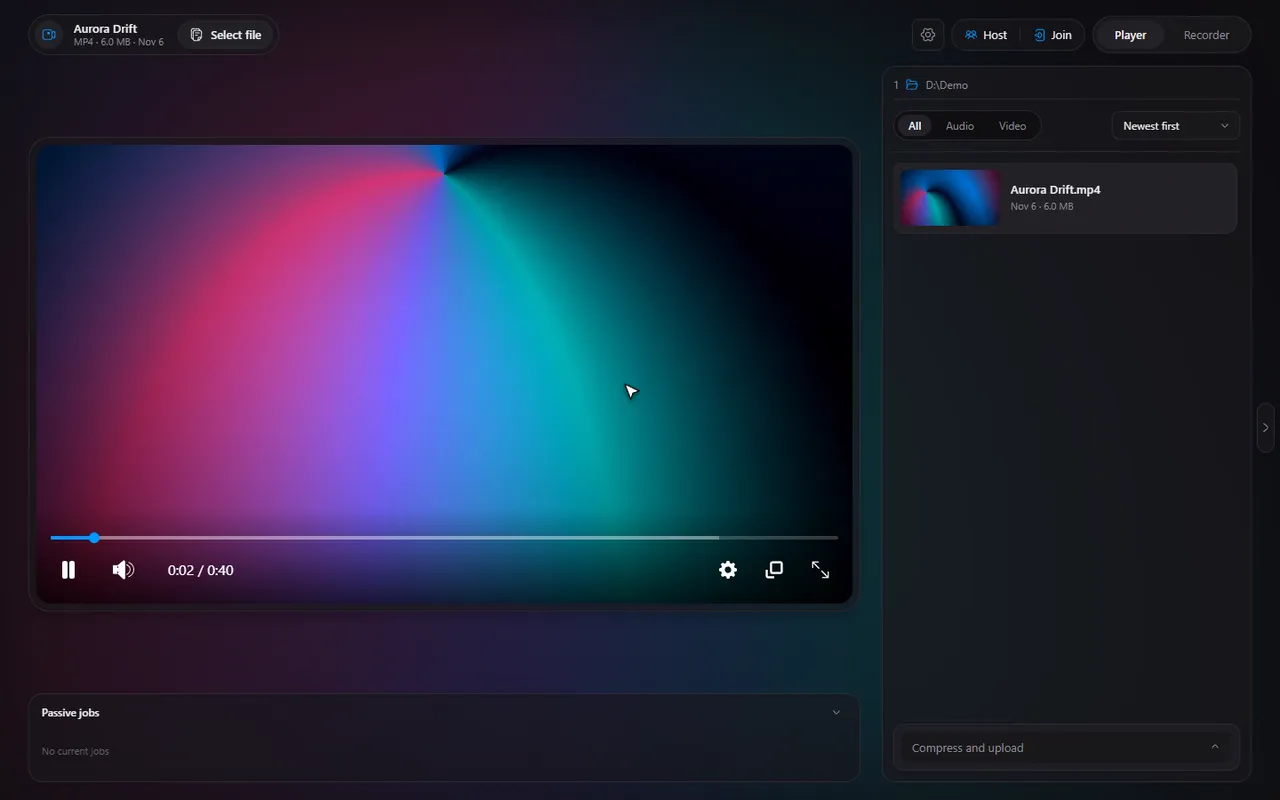
Why the app cannot do it for you
Windows 10 and 11 block programs from silently changing your default apps. Only you can choose, in the Windows settings. Timeline cannot work around that, and does not try. What it does is make the choice quick.
Timeline's Default player panel
Open Settings, General and find Default player. It:
- shows which of the 13 file types Timeline can play (mp4, webm, mkv, avi, mov, mp3, wav, ogg, aac, m4a, flac, opus, weba) already open with Timeline;
- has a button that opens the Windows Default apps page;
- lists the types that are still set to something else as small chips. Click a chip to copy it (for example
.webm) so you can paste it into the search box on the Windows page; - checks again when you come back to Timeline, so it updates as soon as you have changed a type.
Try it in Timeline
Free for Windows 10 and 11. One installer, nothing else to set up.
Change the default, step by step
- In Timeline, open Settings, General, Default player.
- Click the button that opens the Windows Default apps page.
- Search for a file type, such as
.mkv, using the chip you copied. - Choose Timeline from the list, and confirm.
- Repeat for the other types you care about, then return to Timeline: the panel checks again and shows what now opens with it.
Note. Which types you set is your choice. Some people set only video; others add audio too, so a double-click on a FLAC file also opens Timeline.
Check that it worked
Double-click a video in Explorer. It should open in Timeline, and if Timeline was already running, in that window. To go through a folder, use the file list and the next and previous keys.
Careful. If Timeline does not show up in the Windows list for a type, open that file once with Open with, Choose another app, Timeline, and tick the box to always use it.
Tip. If a file type goes to a Store app and you cannot switch it, the Windows page is the place: Store apps are only changed there.
Questions
Why can't Timeline set itself as default?
Windows blocks apps from changing default apps without you. Timeline shows what is set and opens the right Windows page.
Which file types can it open?
mp4, webm, mkv, avi, mov, mp3, wav, ogg, aac, m4a, flac, opus and weba: thirteen in total.
How do I know which types are already set?
Settings, General, Default player lists the ones that open with Timeline now.