Timeline for Windows: every feature of the free media player and screen recorder
Timeline is a free media player and screen recorder for Windows 10 and 11. This page is the map: what it does, and where to read more.
 LAAGU··2 min readTimeline
What Timeline is
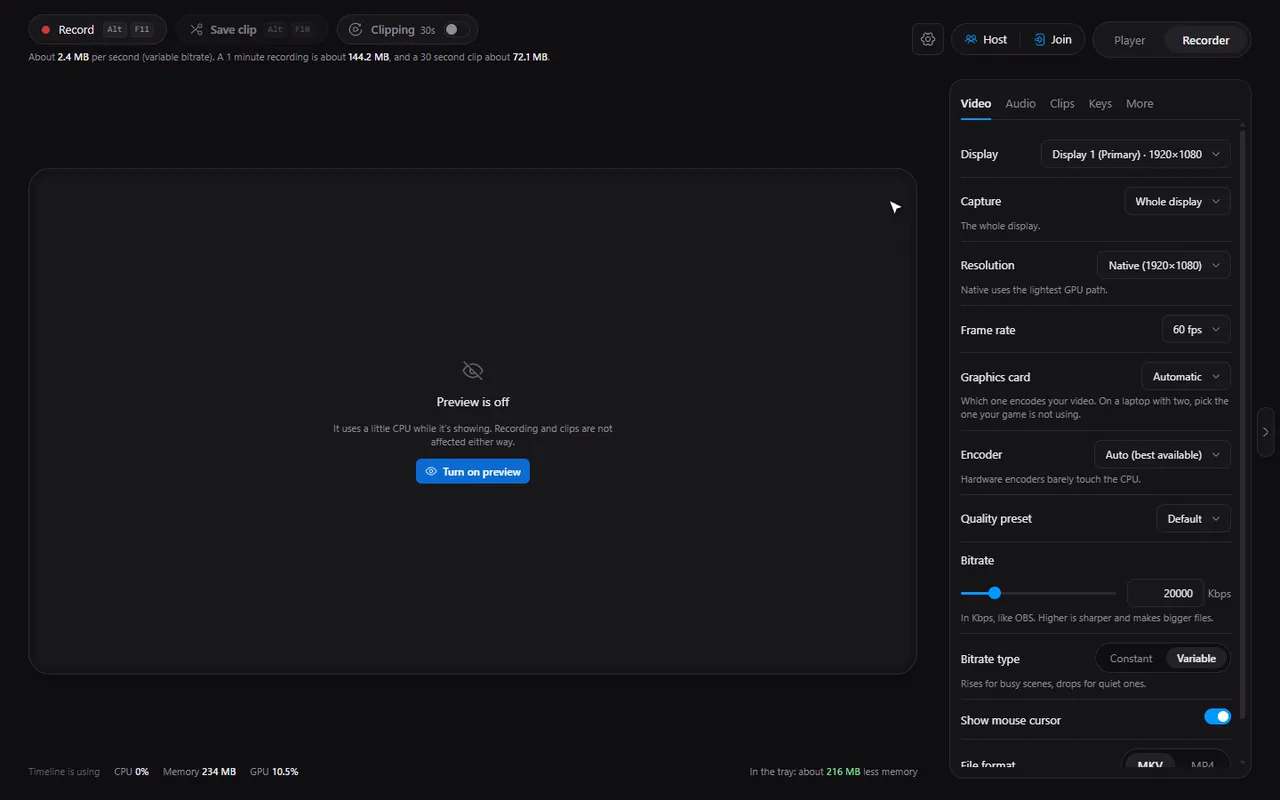
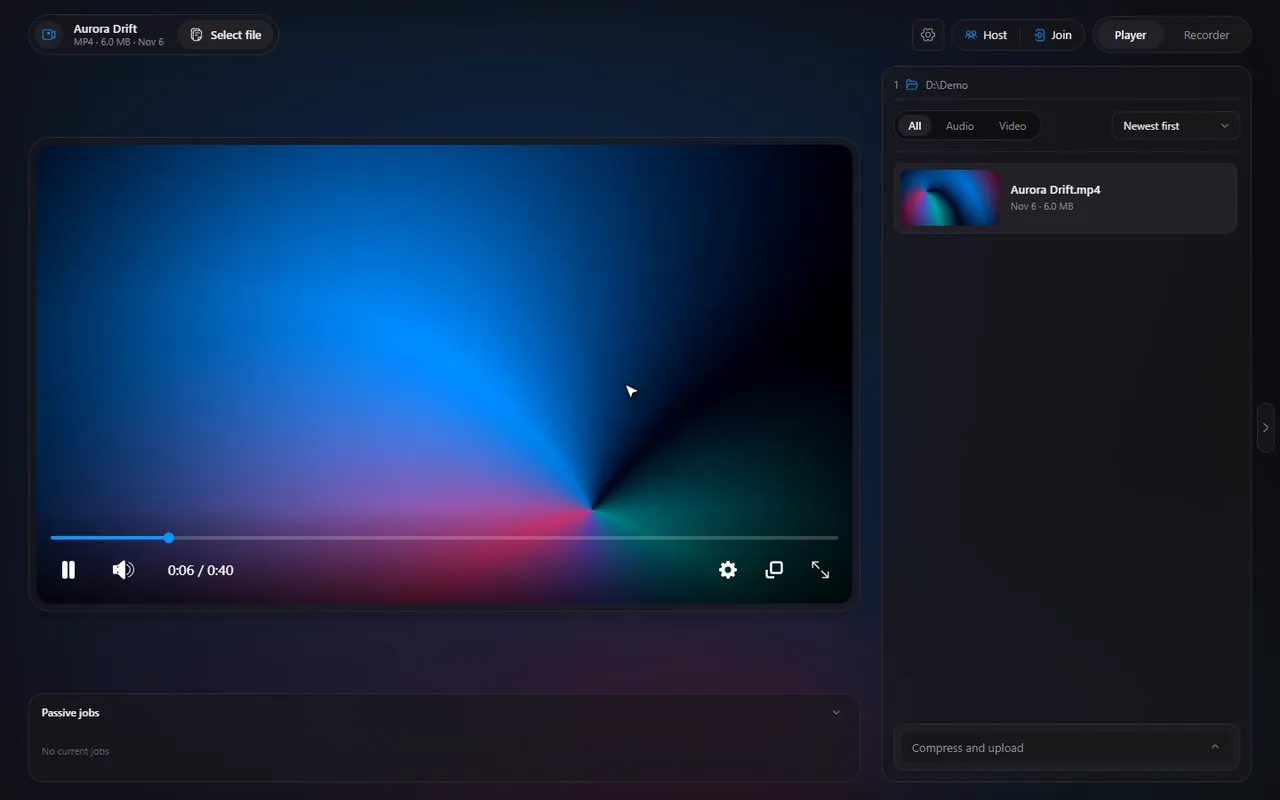
Timeline is a Windows app that does three jobs: it plays your video and audio files, it records your screen (and keeps a replay buffer for instant clips), and it lets you watch together with friends in sync. It is free, made by one person, and comes with everything it needs, so there is nothing else to install.
Try it in Timeline
Free for Windows 10 and 11. One installer, nothing else to set up.
The player
| Feature | Guide |
|---|---|
| Plays MP4, WebM, MKV, AVI and MOV, repairing broken files on the fly | Play MKV, AVI, MOV and WebM |
| Plays MP3, WAV, OGG, AAC, M4A, FLAC, Opus and WEBA | Play audio files |
| Hover the seek bar for a picture of that moment | Seek previews |
| Frame-accurate trimming with a Save trim panel | Trim a video |
| Speed from 0.1x to 16x | Playback speed |
| Step one frame at a time | Frame stepping |
| Rebindable hotkeys, number keys for 10 to 100% | Keyboard shortcuts |
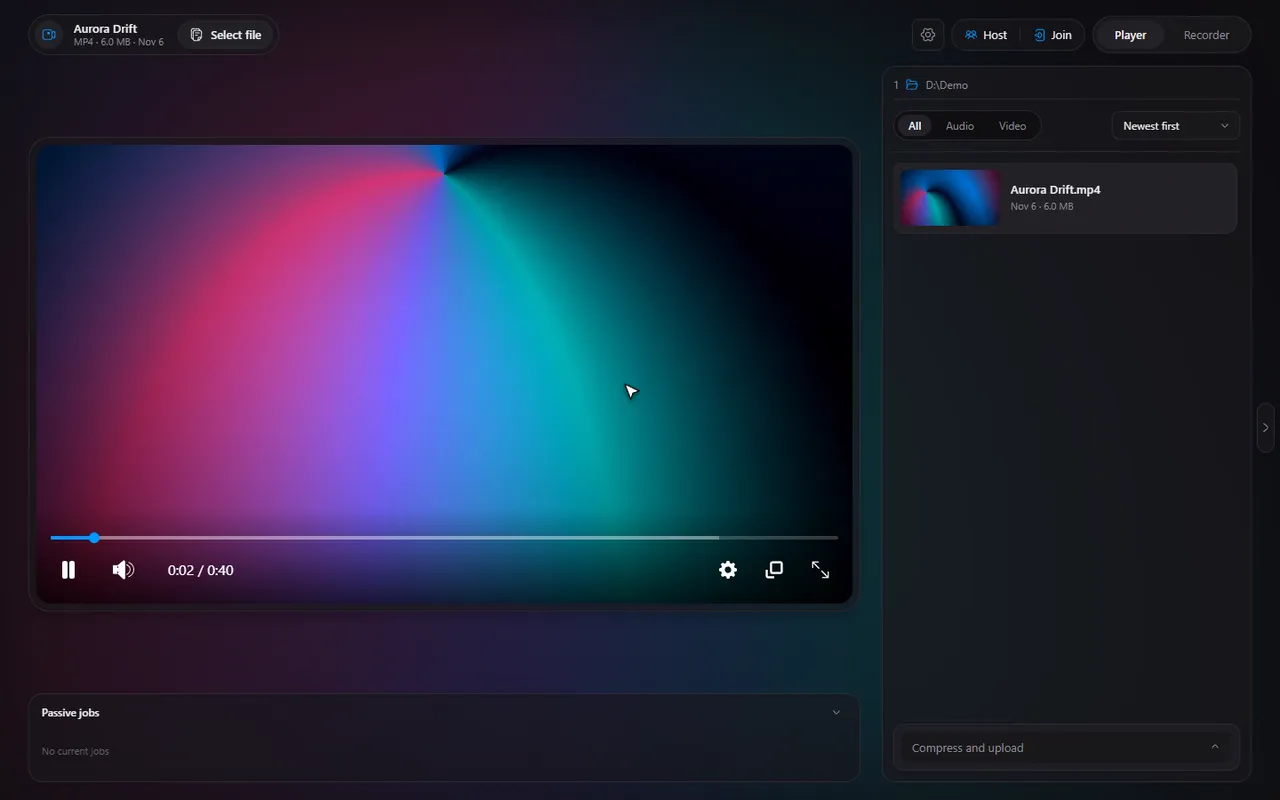
| A soft glow of the video's colours behind the page | Ambient mode |
| SRT and VTT captions with a delay setting | Subtitles and caption delay |
| Compress to a target size with GPU encoders | Compress a video |
| Upload to Gofile and copy the link | Upload and share |
| Picture-in-picture and fullscreen | PiP and fullscreen |
| File list with thumbnails, filters and sorting; Open with from Explorer | The file list |
The recorder
| Feature | Guide |
|---|---|
| Record a screen on the GPU, with Alt+F11 and Alt+F12 | Record your screen |
| Replay buffer: save the last 15 seconds to 5 minutes with Alt+F10 | Save the last 30 seconds |
| Record one window, with that program's sound | Record a single window |
| Desktop sound and microphone, mixed or separate tracks | Audio tracks |
| NVENC, AMD AMF, x264, x265 and AV1 where available | Which encoder |
| Resolution, frame rate and bitrate | Quality settings |
| MKV (crash-safe) or MP4 | MKV or MP4 |
| Hotkeys and conflict warnings | Fix a hotkey conflict |
| Runs from the system tray; starts with Windows | The tray |
| Crash recovery, disk-space guard, automatic resume | Recovery |
| Pop-up notifications with buttons, over games | Pop-ups |
| Live preview and resource numbers | Live preview |
Watch together
- Host with a 6-digit code or an invite link: watch videos together.
- Reach guests with UPnP, a tunnel or the same network: hosting without port forwarding.
- Chat, control and kicking: the rules of a session.
- Slow guests: fix buffering.
- What is stored: privacy.
Setting it up
- Make Timeline your default video player
- Settings explained, including the Dark, Light and Windows themes
- The cache manager
- Usage data, which you can turn off
- Updates and release notes
Note. Timeline is made for Windows 10 and 11. There is no Mac or Linux version.
Questions
Is Timeline free?
Yes. It is free to download and use.
What does Timeline need to run?
Windows 10 or 11. It ships with its own ffmpeg, so there are no codecs or other programs to install.
Is it a video editor?
No. It plays, trims, compresses and uploads videos and records the screen, but it does not edit timelines or add effects.
Who makes Timeline?
Timeline is made by LAAGU.