
Play FLAC, Opus, M4A, MP3 and other audio files on Windows
You do not need a second app for music, podcasts and voice notes. The video player plays them too.
 LAAGU··2 min readTimeline
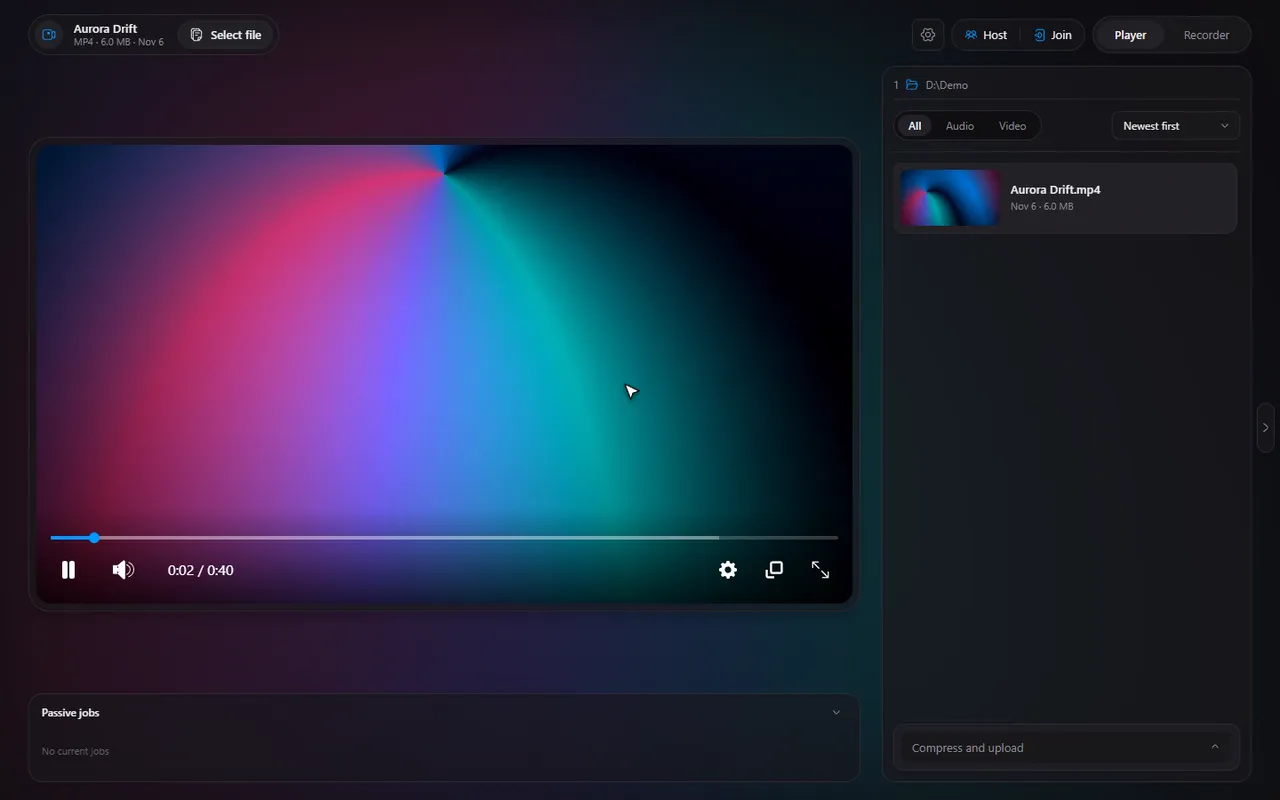
The audio formats Timeline plays
| Format | What it is |
|---|---|
| MP3 | The everywhere format |
| WAV | Uncompressed audio |
| OGG | Open format, common in games and web audio |
| AAC and M4A | Apple and streaming-service downloads |
| FLAC | Lossless music |
| Opus and WEBA | Modern web and chat audio |
Open one the same way as a video: double-click it, use Open with, or pick it from the file list. Timeline's own bundled ffmpeg handles the decoding.
The same keys, the same player
Everything you know from video works on an audio file: Space pauses, ← and → skip, ↑ and ↓ change the volume, M mutes and the number keys jump to 10% through 100% of the file. The full list is in the keyboard shortcuts guide. The playback speed picker is handy for podcasts.
Try it in Timeline
Free for Windows 10 and 11. One installer, nothing else to set up.
What is different with audio
- No seek previews. There is no picture to show, so the hover card on the seek bar does not appear for audio files.
- No picture-in-picture or ambient glow to speak of. Those are about the picture; for audio you mostly need the keys above and the file list.
Podcasts, lectures and long recordings
- Speed it up: open the playback speed picker. 1.25x to 1.5x is a comfortable range for speech.
- Find a spot: the number keys jump to 10% to 100% of the file; 5 is the middle.
- Skip back a few seconds: ← skips back by the Skip step (10 seconds by default). You can change it from 1 to 30 seconds in Settings, Player.
- Volume: ↑ and ↓ change it by the Volume step (10% by default); M mutes.
Playing a lot of files in a row
Put the audio files in a folder, open one, and use the file list to move through them. D goes to the next file and A to the previous. The list has filters, so you can show only audio or only video: see the file list guide.
Tip. Make Timeline the default for the audio types you use and a double-click on any of them starts playing at once: set it as your default player.
Questions
Which audio formats does Timeline play?
MP3, WAV, OGG, AAC, M4A, FLAC, Opus and WEBA.
Does it show album art or a playlist?
Timeline is a file-based player. It has a file list with filters, but it does not manage a music library.
Can I use it as my only music player?
It is designed as a media player and recorder, not a music library. It is a good fit for opening a file or a folder quickly.