Timeline keyboard shortcuts: the complete list, and how to change them
Space to pause, number keys to jump, Alt+F10 to save a clip. The whole list in one place.
 LAAGU··2 min readTimeline
Player hotkeys
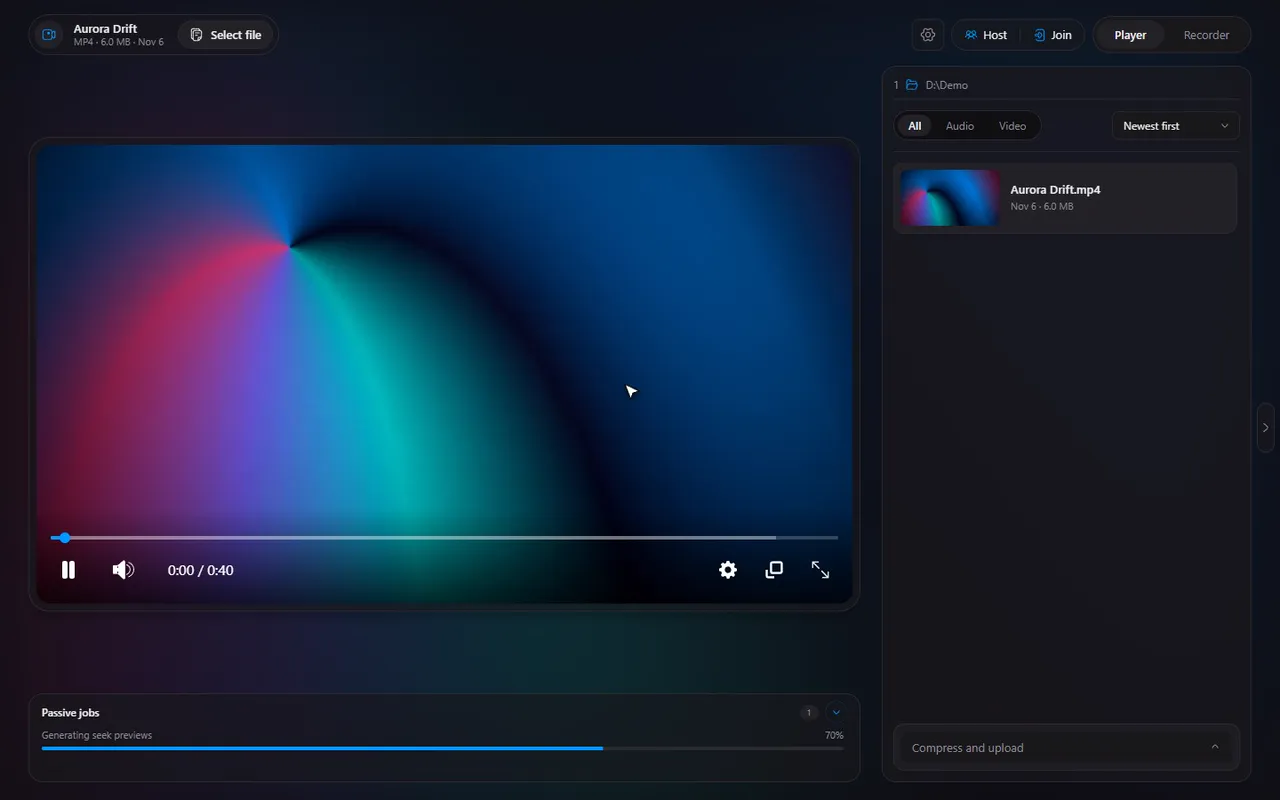
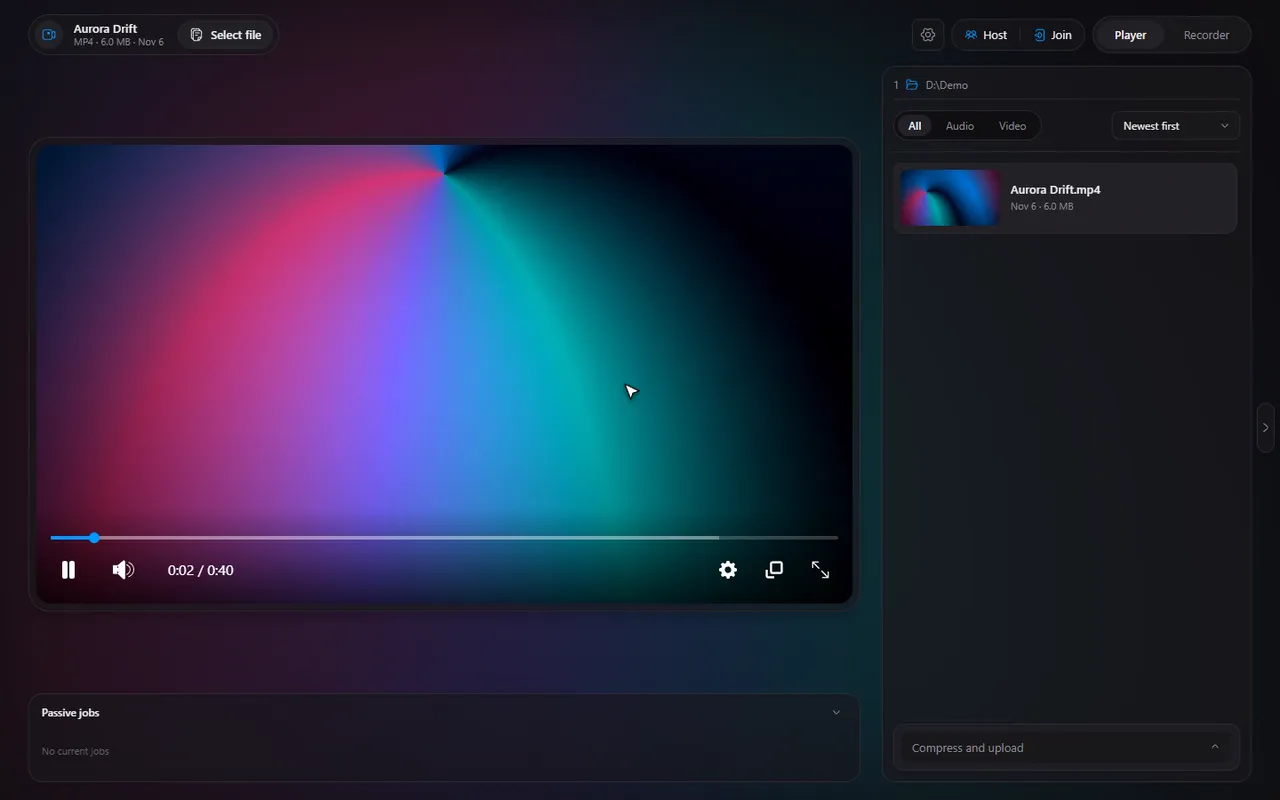
These work when the Timeline window is focused. Press them while a video is open.
| Key | Action |
|---|---|
| Space | Play or pause |
| M | Mute or unmute |
| F | Fullscreen on or off |
| ShiftP | Picture-in-picture |
| → / ← | Skip forward / back (10 seconds by default) |
| ↑ / ↓ | Volume up / down (10% by default) |
| Ctrl→ / Ctrl← | One frame forward / back |
| D / A | Next / previous file |
| 1 to 9, 0 | Jump to 10%, 20% ... 90%, 100% of the video |
| Enter | Show the controls |
| CtrlS | Open the player settings |
Tip. The number keys are the quickest way to move around a long video: 5 goes to the middle, 0 to the very end.
Try it in Timeline
Free for Windows 10 and 11. One installer, nothing else to set up.
Recorder hotkeys (work anywhere)
The recorder's keys are global: they work even when Timeline is hidden in the tray and a game is in front.
| Key | Action |
|---|---|
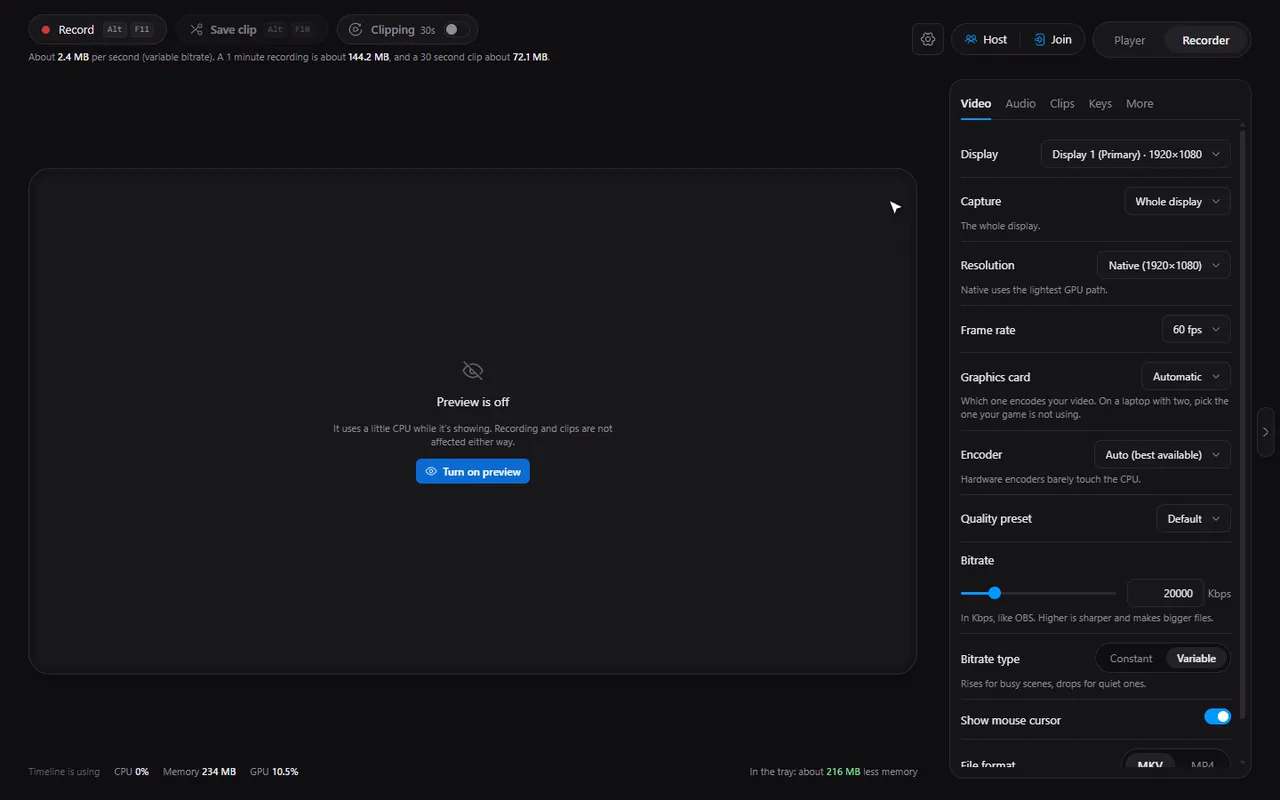
| AltF11 | Start recording |
| AltF12 | Stop recording |
| AltF10 | Save a clip from the replay buffer |
See save the last 30 seconds of gameplay for how clipping works. If one of these keys does nothing, another program may be using it: fix a hotkey conflict.
How to change a hotkey
- Open Settings and choose Player for the player keys, or the Recorder page and its Keys tab for the recorder keys.
- Click the key you want to change.
- Press the new combination. Timeline records it.
- If a recorder key is already taken by another program, Timeline tells you, and you can pick another.
In Settings, Player you can also set the Skip step (1 to 30 seconds) and the Volume step (1 to 50%) that the arrow keys use.
Note. The recorder's global hotkeys need at least one modifier key (such as Alt or Ctrl), unless you use a function key like F9. A plain letter would take over normal typing in every program.
Questions
Can I change all the hotkeys?
Yes. The player's keys are rebindable in Settings, Player, and the recorder's keys in the Recorder's Keys tab.
What is the shortcut to save a clip?
Alt+F10 by default. Clipping must be on (the Clipping switch in the Recorder) for it to save anything.
How do I jump to the middle of a video?
Press 5. The number keys 1 to 9 and 0 jump to 10% through 100% of the video.
Why does a recorder key not work?
Another program may be using the same key. Timeline shows a conflict message so you can change it.