Alt+F10 not saving clips? Fix a hotkey conflict with the NVIDIA overlay
Two programs cannot own the same global key. When yours loses, Timeline says so and lets you pick another.
 LAAGU··2 min readTimeline
Why a key stops working
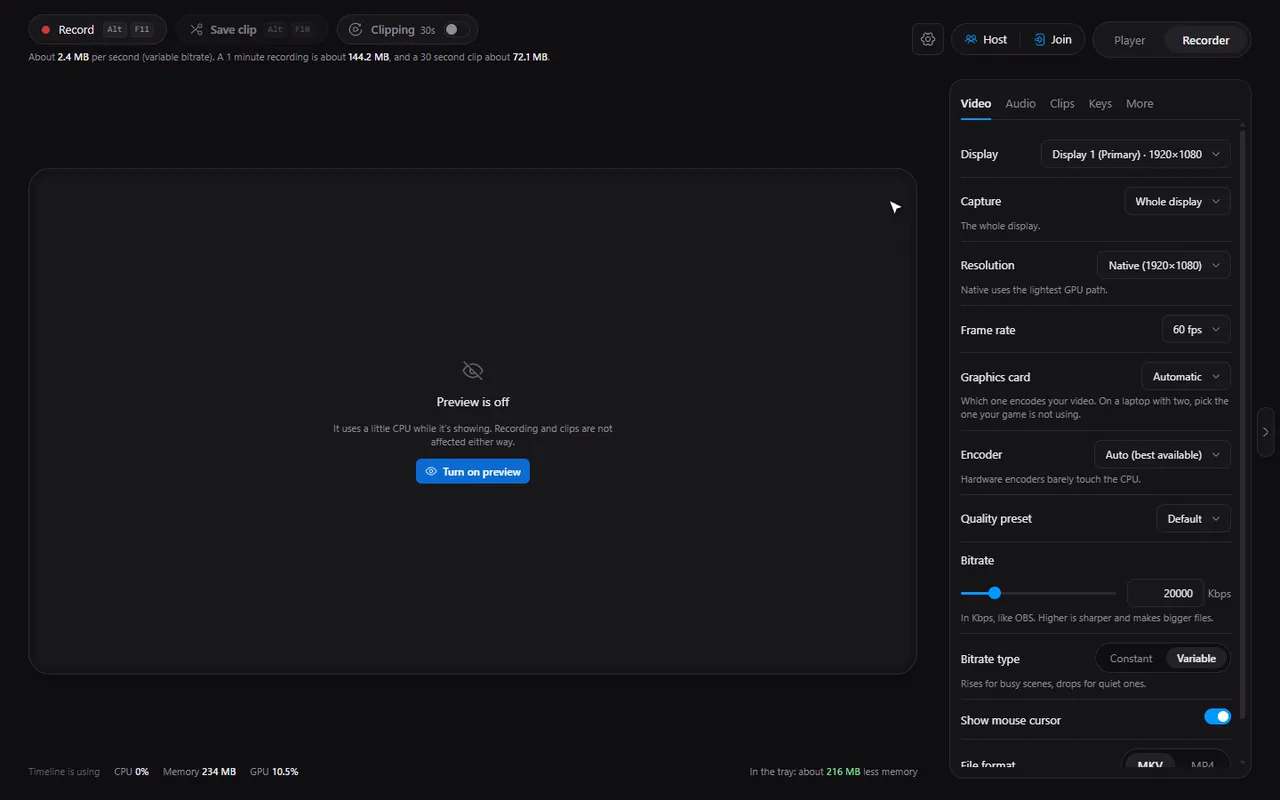
Timeline's recorder hotkeys are global: they work in any program, even a game. Windows only lets one program own a given global key at a time. If another program registered it first, Timeline's registration fails and pressing the key does something else, or nothing.
The usual suspects are graphics-card overlays. The NVIDIA App uses AltF10 for its own instant replay, and overlays commonly use AltF9 too. Other recorders, chat apps and keyboard utilities can also hold keys.
How Timeline tells you
- A calm strip in the Recorder says the key "is used by another app, so save clip won't work" and explains the likely reason, with a Change key button.
- In the side panel, the Keys tab shows a Conflict badge.
- The affected keycaps turn amber wherever they appear.
- If you press the clip key while the buffer is off, you get a "Clip buffer is off" notice instead.
Try it in Timeline
Free for Windows 10 and 11. One installer, nothing else to set up.
Change the key
- Click Change key in the strip, or open the Keys tab in the Recorder's side panel.
- Click the key box of the action you want to change: Save clip, Start recording or Stop recording.
- Press the new combination. Timeline records it.
- The conflict message and the amber keycaps disappear.
Good alternatives are keys with two modifiers, for example CtrlAltF10, that no overlay is likely to use.
Note. A recorder hotkey needs a modifier such as Alt, Ctrl or Shift, unless it is a function key. A plain letter or number would take over typing in every program.
Or free the key instead
If you would rather keep Timeline's default, open the other program's settings and change or turn off its shortcut. Then restart Timeline so it registers the key again.
Tip. Not sure which program owns a key? Turn off one overlay at a time and try the key after each, or just choose a new key and move on.
Questions
Why does Alt+F10 not save a clip?
Either the clip buffer is off (turn on the Clip buffer switch), or another program, such as a GPU overlay, already owns Alt+F10 on your PC.
How do I change the clip hotkey?
Open the Recorder's Keys tab, click the Save clip key and press a new combination.
Can I use the same key as another recorder?
No. Only one program can own a global key. Pick a different one in either program.