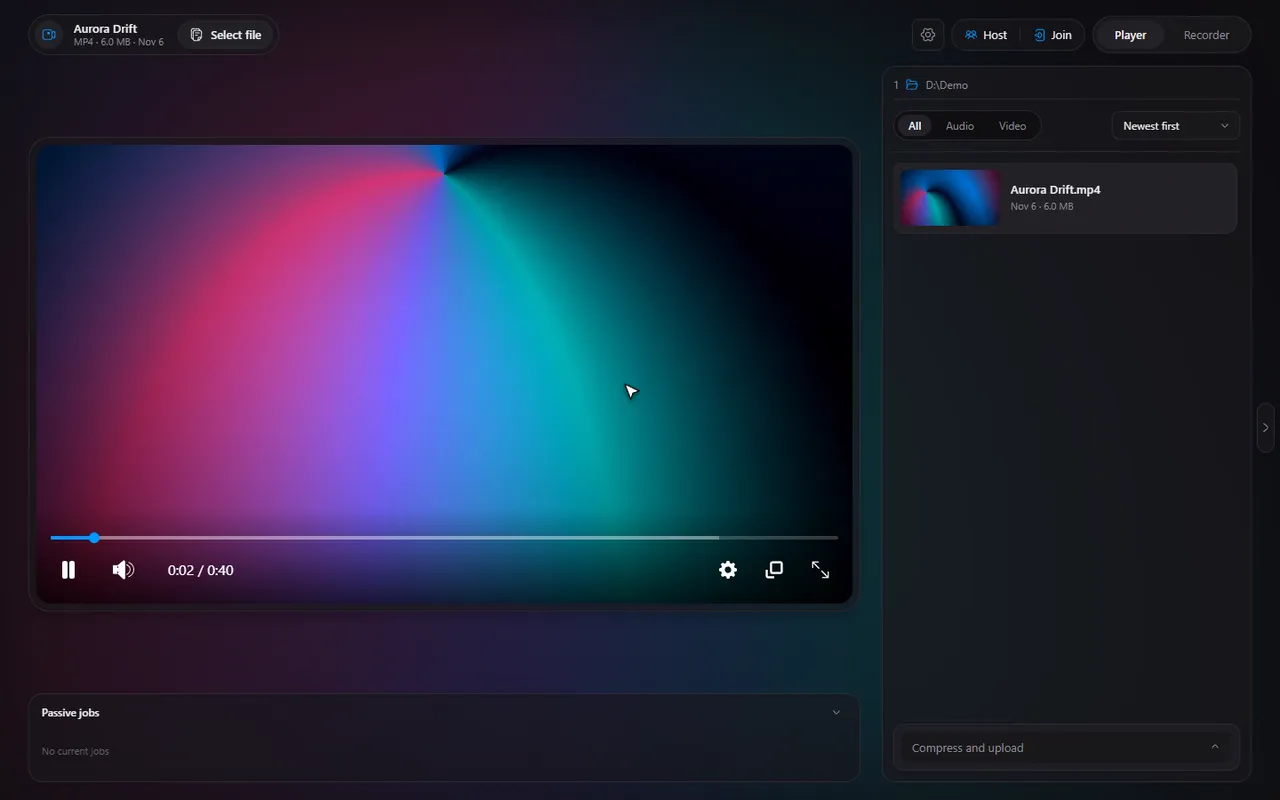
Step through a video frame by frame on Windows
When a normal seek is too coarse, step one frame at a time until the picture is exactly the moment you want.
 LAAGU··2 min readTimeline
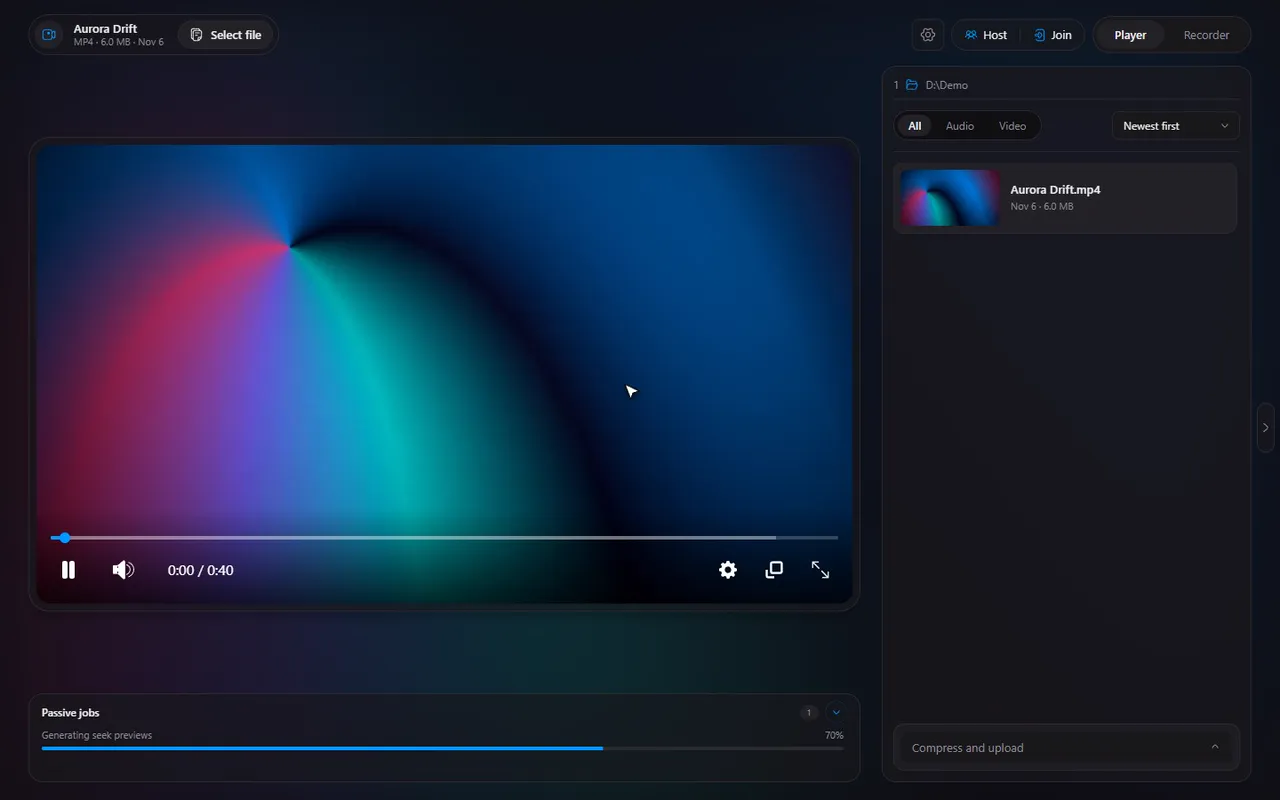
What frame stepping does
A video is a series of still pictures shown quickly one after another. Frame stepping moves the video forward or back by exactly one of those pictures. It is the precise tool when arrow-key skipping (which jumps several seconds) is far too big.
The keys
| Key | What it does |
|---|---|
| Ctrl→ | One frame forward |
| Ctrl← | One frame back |
| → | Skip forward by the skip step (10 seconds by default) |
| ← | Skip back by the skip step |
Pause the video first, then press Ctrl→ or Ctrl←. Every press moves one frame and the picture updates at once. All of these keys can be changed: see the keyboard shortcuts guide.
Try it in Timeline
Free for Windows 10 and 11. One installer, nothing else to set up.
What it is useful for
- Finding a cut point. Step until you see the frame where you want a clip to start or end, then use trimming to keep it.
- Catching one moment. Find the exact frame of a goal, a jump scare or a bug in a recording.
- Checking a detail. Read a line of on-screen text or look at a motion that is too quick at normal speed.
- Syncing captions. If captions are early or late, stepping through a spoken line shows you how far off they are before you set the caption delay.
Frame stepping, slow motion or skipping?
| Tool | Moves by | Use it to |
|---|---|---|
| Frame step (Ctrl→) | One frame | Land on an exact picture |
| Slow speed | Normal flow, slower | Watch a motion unfold |
| Skip (→) | 10 seconds by default | Get near a spot quickly |
| Number keys (1 to 0) | To 10%, 20% ... 100% | Jump around a long video |
A good order: jump with a number key, skip to get close, then frame step the last few pictures.
Change the skip step and the keys
The arrow keys skip by a set number of seconds. In Settings, Player you can change the Skip step (from 1 to 30 seconds) and the Volume step, and rebind any of the hotkeys, frame stepping included.
Tip. Frame stepping works best on a paused video. If the video is playing, pause with Space first.
In a watch together session
Frame stepping moves your own player. In a watch together session, every position change you make is a seek like any other: if you are allowed to control playback, the session follows; if the host has switched control off, the keys do nothing and the player shows a short notice.
Questions
What are the frame step shortcuts?
By default, Ctrl+Right Arrow moves one frame forward and Ctrl+Left Arrow moves one frame back.
Can I change the frame step keys?
Yes. All hotkeys are rebindable in Settings, Player.
Does it work while the video plays?
It is meant for a paused video. Pause first, then step.