
Watch videos together in sync on Windows: host a session or join with a code
Movie night with friends who live somewhere else. The video streams from your PC, so nobody has to upload or download a file first.
 LAAGU··3 min readTimeline
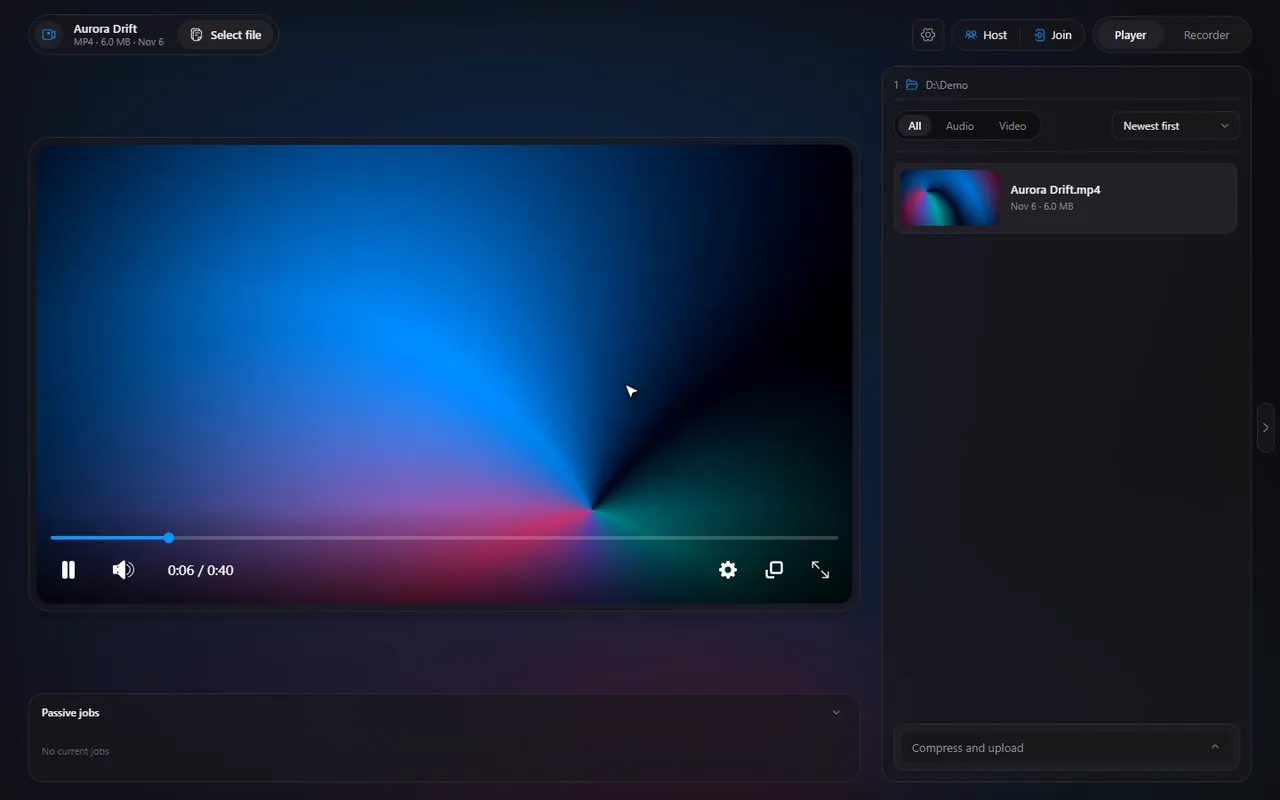
How it works
Watch together keeps several people's players on the same second of the same video. One person is the host: they open the video and share it. Everyone else is a guest: they join with a code and watch the host's stream. Play, pause, seek and speed follow everyone, and a chat sits beside the video.
The video is not uploaded anywhere. It streams straight from the host's PC to the guests' players.
Host a session
- Open the video you want to share in the Player tab.
- Click Host in the header (between Settings and the Player/Recorder switch).
- Enter your name. Timeline remembers it, and starts with your PC's name until you change it.
- Optionally set a password, choose how guests reach your stream, and the port.
- Choose the two session options (see below) and click Start session.
You get a 6-digit code and a copyable invite link that looks like timeline://join/123456. Send either to your friends.
Try it in Timeline
Free for Windows 10 and 11. One installer, nothing else to set up.
Join a session
- Click Join in the header, or open the invite link (Timeline opens with the code filled in).
- Enter the code, the password if there is one, and your name.
- The host's video starts playing at the host's moment.
While you are in a session, your own files are blocked: the open dialog, the file list, "open with" from Explorer and the next and previous keys are switched off until you leave. The right-hand panel shows the chat.
The two session options
- Pause while someone is loading: if a guest's video runs out of data, the host holds everyone and shows "Waiting for (name) to load", then resumes when all are ready. A guest who takes longer than 20 seconds is skipped ("Continuing without (name)").
- Everyone can control playback: on by default. Turn it off to make it watch-only for guests, so only the host plays, pauses and seeks.
The host can also choose Share seek previews, so guests get the hover pictures on the seek bar too (see seek previews).
The header chip
During a session the Host and Join buttons are replaced by one pill: the left half shows the code and how many people are watching and opens or hides the chat; the right half is the leave button for guests and end session for the host, with a confirmation.
Note. Watch together needs the Timeline app on every PC. Moving to the tray is blocked during a session, because quitting the app would end it for everyone.
What to read next
- Getting a friend outside your home network connected: hosting without port forwarding.
- Chat, rules and removing someone: chat, control and kick.
- A guest keeps buffering: fix it.
- What is stored where: is it private.
Questions
Do my friends need the video file?
No. The video streams from the host's PC. Guests only need the Timeline app and the code.
How many people can join?
Timeline is built for small groups of friends. The host's upload speed is the real limit: every guest adds to what the host sends.
Do guests need an account?
No. There are no accounts. A guest enters the code, an optional password and a name.
Does it work on Mac or Linux?
No. Timeline is for Windows 10 and 11.
What if the host closes the app?
The session ends for everyone. If the host's connection drops, guests retry for about 30 seconds and then leave with a message.