Add subtitles (SRT or VTT) to any video and fix caption delay
Subtitles that are a second early are worse than none. Load the file, then dial in the delay.
 LAAGU··2 min readTimeline
Load a captions file
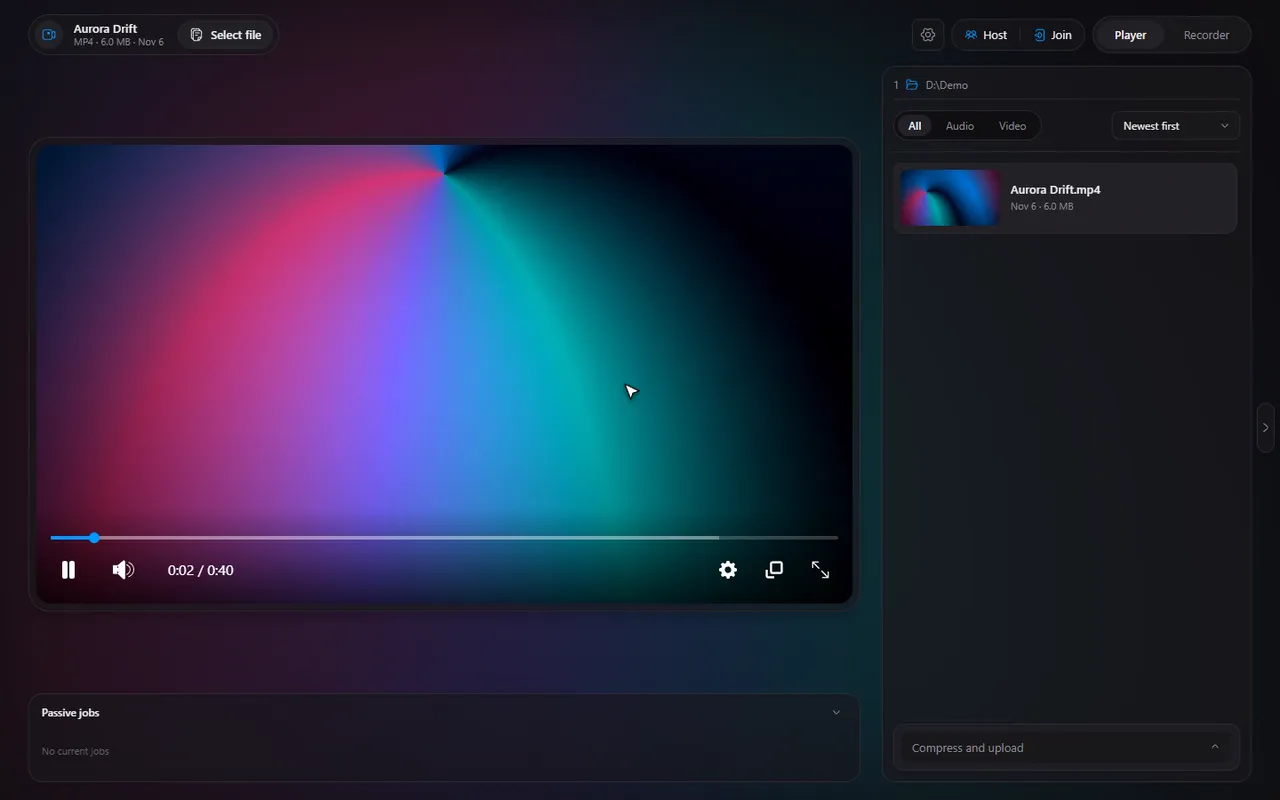
- Open the video and press CtrlS for the player settings.
- Open Captions. It says "No caption file selected" until you pick one.
- Choose your .srt or .vtt file.
- The captions appear on the video. The panel shows the file's name and the video it belongs to.
SRT and VTT are the two common plain-text caption formats. Download them next to a video, or make them with a caption tool, and load them here.
Fix captions that are early or late
When a caption file was made for a slightly different version of the video, the words arrive too soon or too late. The Delay control in the Captions panel fixes it without touching the file.
- Click the arrows to move the captions one second at a time (the arrow button says "Show captions 1 second earlier" or later).
- Or type the delay in seconds, with decimals, for example
0.5or-1.2. Timeline applies it about half a second after you stop typing.
Try it in Timeline
Free for Windows 10 and 11. One installer, nothing else to set up.
Tip. To find out how far off the file is, pause on a line of speech and use frame stepping to see exactly where the voice starts, then compare it with the caption.
What is remembered
The caption file is tied to the video you loaded it for. Play a different file and it does not carry over, so a caption file never lands on the wrong video.
Captions in watch together
In a watch together session the host's captions are shared. The host loads them once, with their delay applied, and every guest sees them. A guest's Captions panel says "Showing the host's captions" instead of asking for a file, and the captions follow the video time so they stay in sync.
Note. If the host has no captions on, a guest's Captions panel says so. Guests cannot load their own caption file during a session.
Questions
Which subtitle formats does Timeline load?
SRT and VTT files.
How do I fix subtitles that are out of sync?
Open the Captions panel in the player settings and change the Delay. Use the arrows for one-second steps, or type a number of seconds such as 0.5 or -1.2.
Do guests in a watch together session need the subtitle file?
No. The host's captions are shared with everyone in the session.
Are subtitles burned into the video?
No. They are shown on top of the video while it plays. The video file is not changed.