
Blog
Player guides
Playing every format, seek previews, trimming, speed, captions, compressing and sharing.
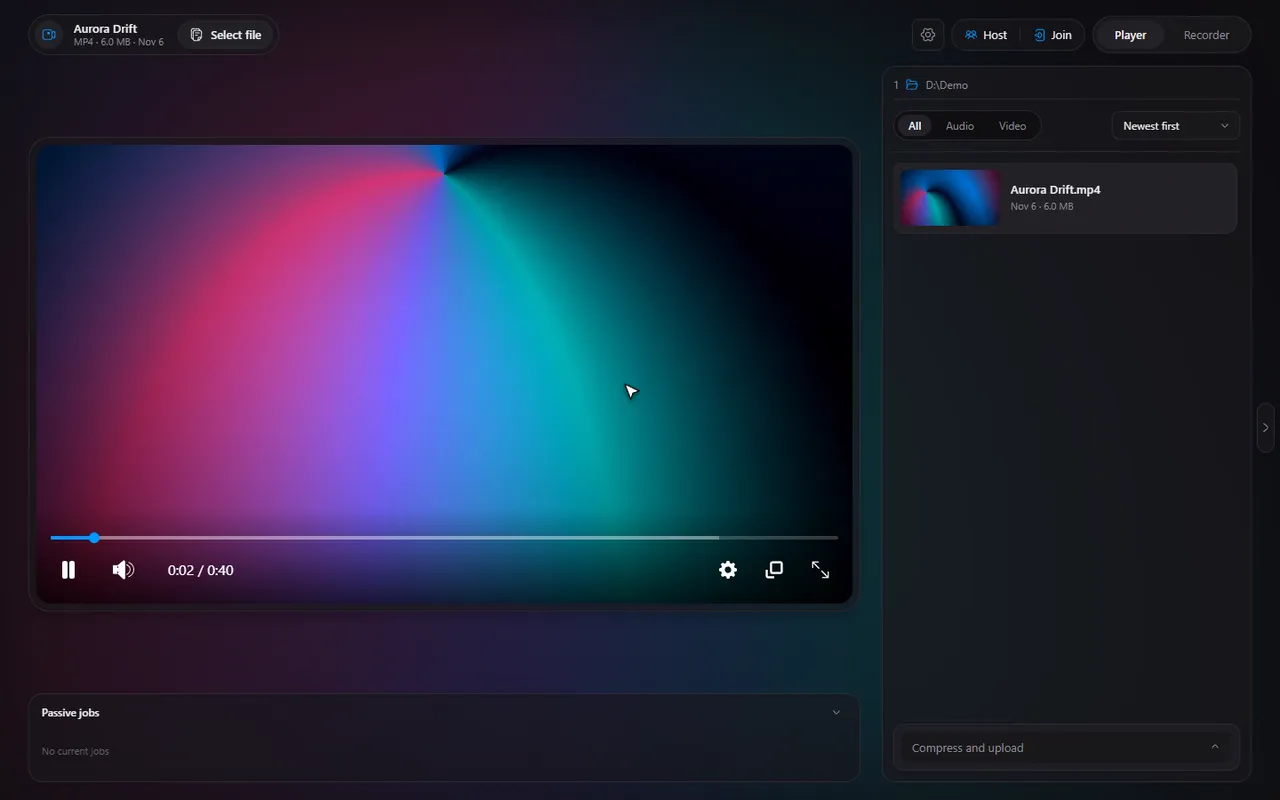
Seek bar preview thumbnails on Windows: how they work and how to turn them off
The little pictures that appear when you hover the seek bar: how they are made in the background, what they cost and where the switch is.
3 min read · Nov 7, 2026
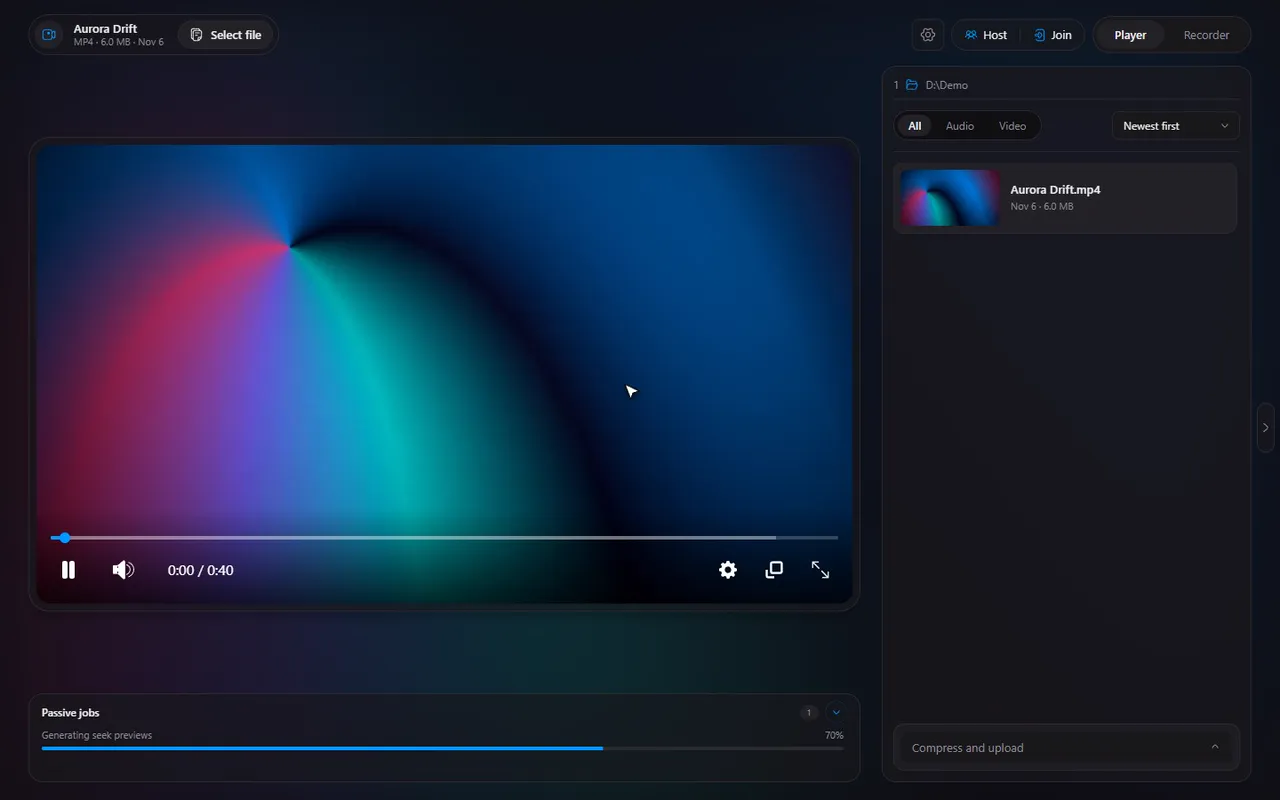
How to trim a video on Windows, frame-accurately, without an editor
Turn on Trimming, drag the two handles, and save the part you want as a new file. No editor to install, and the original stays untouched.
3 min read · Nov 7, 2026
How to change video playback speed on Windows, from 0.1x to 16x
Presets from 0.5x to 2x and a custom slider from 0.1x to 16x: how to speed up lectures or slow down a clip you want to study.
2 min read · Nov 7, 2026
Step through a video frame by frame on Windows
Ctrl and the arrow keys move a video one frame at a time. Here is when frame stepping helps and how it pairs with trimming.
2 min read · Nov 7, 2026
Timeline keyboard shortcuts: the complete list, and how to change them
All the default keys in one table: the player's controls, the number-key jumps, and the recorder's global hotkeys. Plus how to rebind any of them.
2 min read · Nov 7, 2026
Ambient mode: the soft glow behind your video, and when to turn it off
A glow of the video's own colours behind the player. Here is what ambient mode does, the GPU cost, and where the switch is.
2 min read · Nov 7, 2026
Play MKV, AVI, MOV, WebM and MP4 on Windows with one free player
The five video formats Timeline plays, what happens with broken files and old AVIs, and how to make it open any of them with a double-click.
2 min read · Nov 7, 2026
Play FLAC, Opus, M4A, MP3 and other audio files on Windows
A music or podcast file opens in the same player as your videos. The eight audio formats Timeline plays and what changes when there is no picture.
2 min read · Nov 7, 2026
Add subtitles (SRT or VTT) to any video and fix caption delay
Pick an SRT or VTT file for a video, then nudge the caption delay until the words match the voices. The host's captions are shared in a session.
2 min read · Nov 7, 2026
Compress a video to a target size on Windows (under 25 MB, or any number)
Type the size you need, such as 25 MB for a chat app, pick a GPU encoder, and let Timeline make a smaller copy.
2 min read · Nov 7, 2026
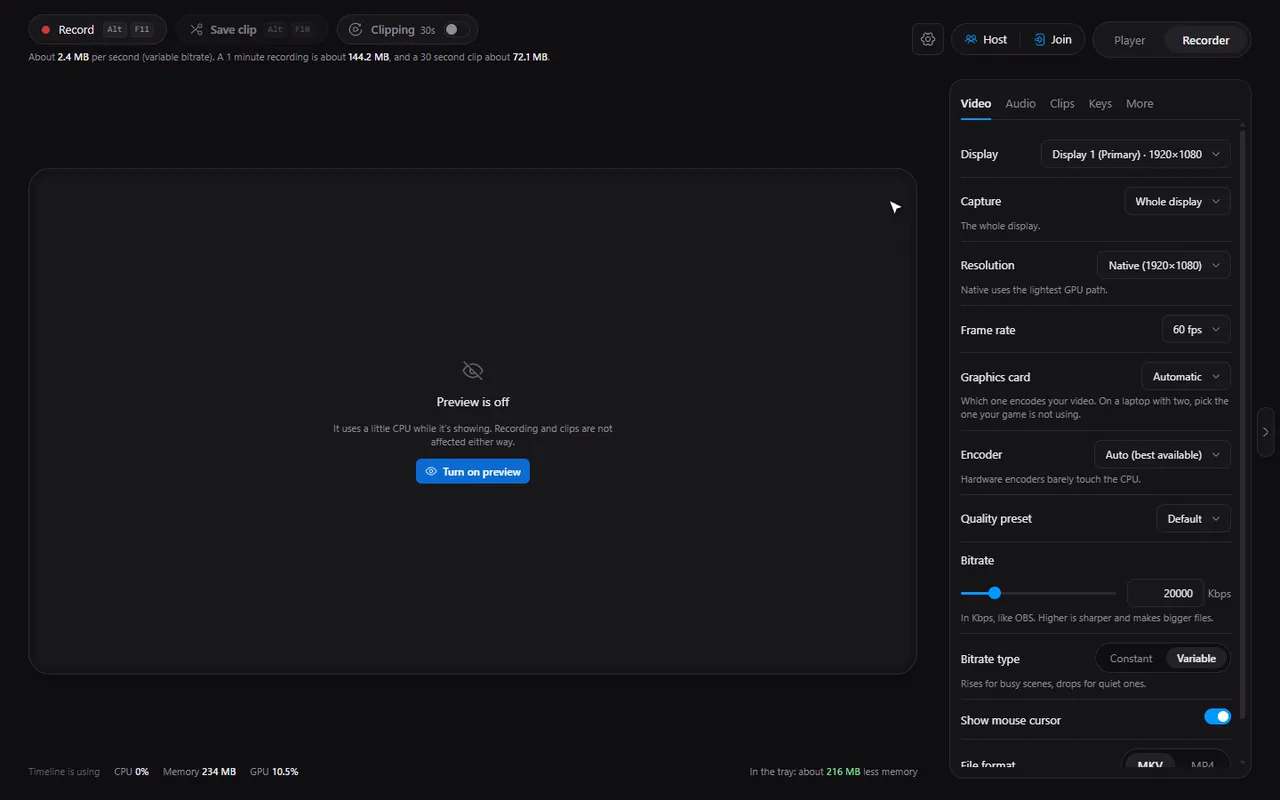
Upload a video and share a link from the player, with Gofile
Pick Upload, press the button, and copy the link when it is done. What happens with and without a Gofile account token.
2 min read · Nov 7, 2026
Picture-in-picture and fullscreen: keep watching while you work
Float the video in a corner with Shift+P, or fill the screen with F. Plus how the ambient glow behaves in fullscreen.
2 min read · Nov 7, 2026
The file list: open from Explorer, filter, sort and jump to the next video
How Timeline opens files from Explorer and how the file list works: thumbnails, All/Video/Audio filters, sorting, hiding it, and the next and previous keys.
2 min read · Nov 7, 2026