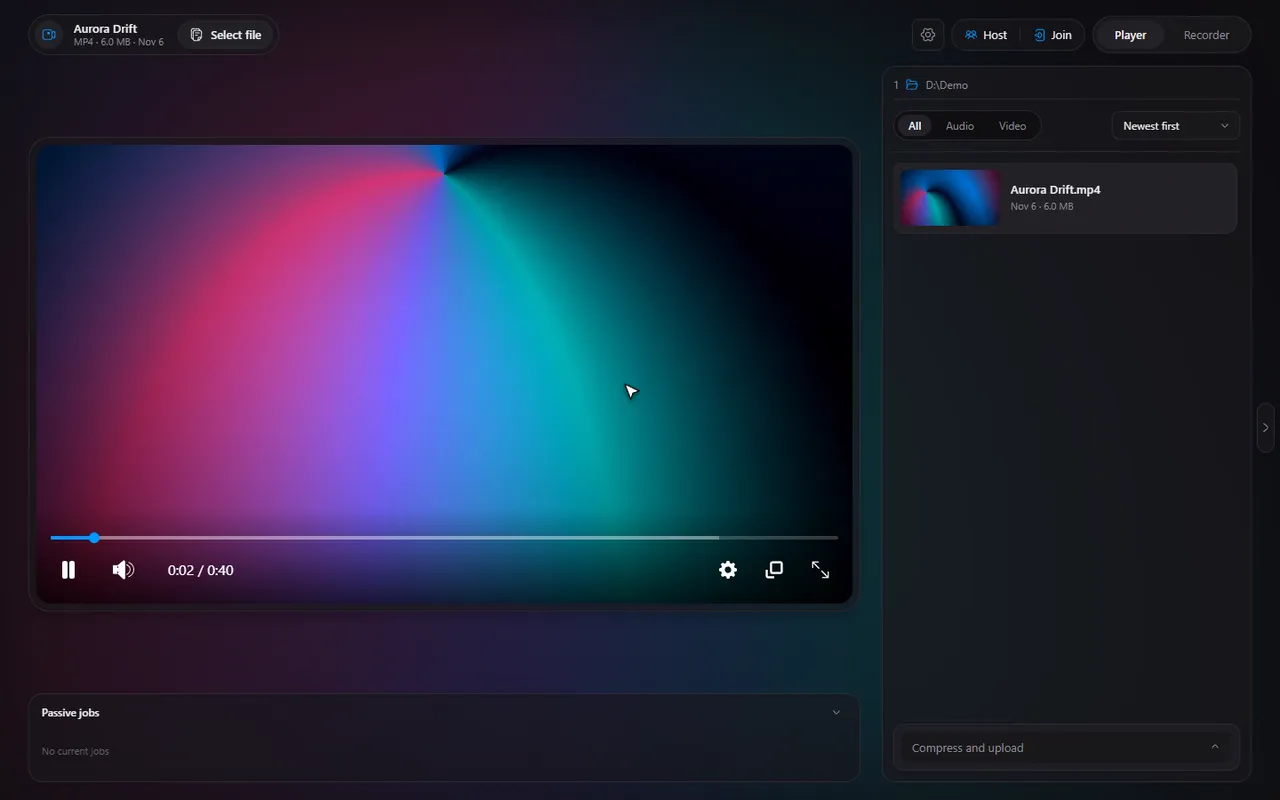
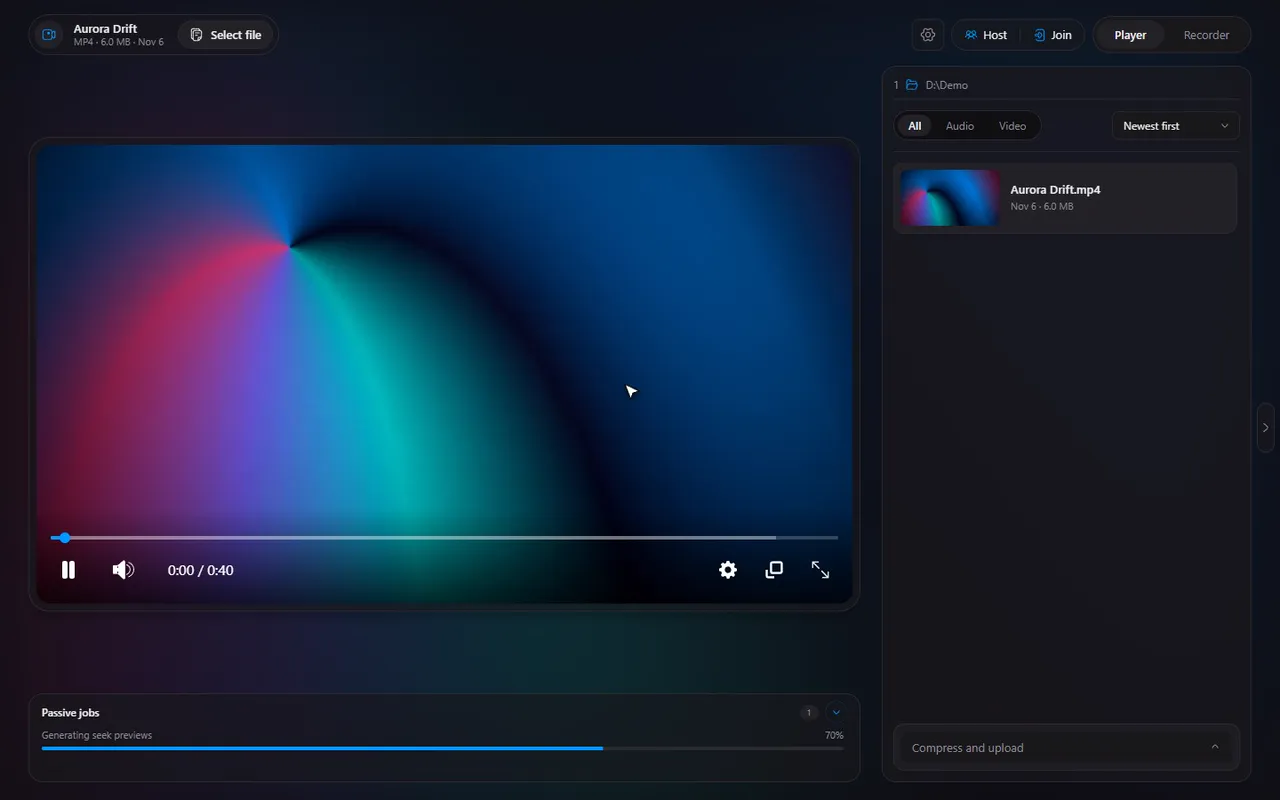
Upload a video and share a link from the player, with Gofile
A clip is saved, a friend wants it. Upload it from the player and paste the link.
 LAAGU··2 min readTimeline
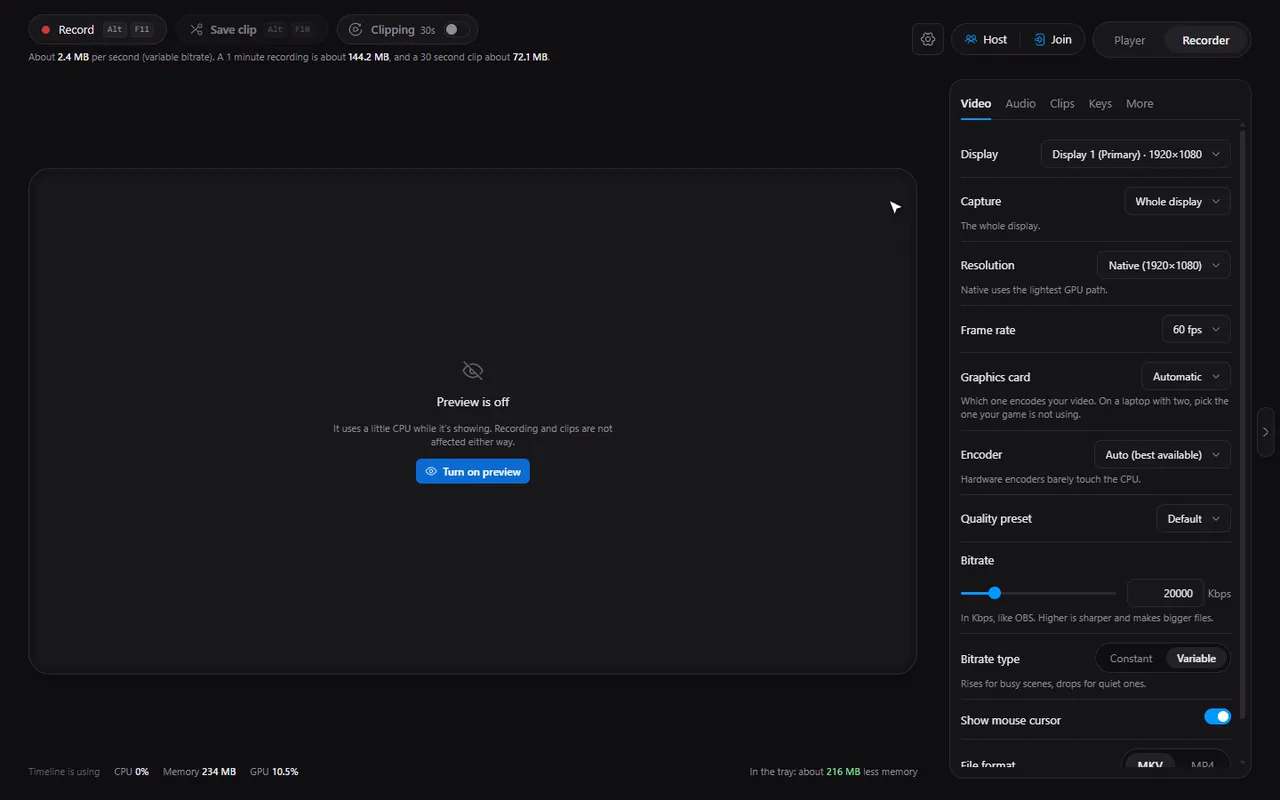
What the Upload tool does
The Upload tool sends the open file to Gofile, a free file-sharing service, and gives you a link you can paste into any chat. It is meant for the moment right after you saved a clip or a recording and want to show someone.
Upload a file
- Open the video or clip in Timeline.
- Open the Compress and upload row and switch the tool to Upload.
- Click Upload to Gofile.
- Watch the progress. Cancel stops the upload.
- When it finishes, a Timeline pop-up appears with Copy link and Open link.
A lone file name and its size are shown above the button so you can confirm it is the right one.
Try it in Timeline
Free for Windows 10 and 11. One installer, nothing else to set up.
The optional Gofile token
You do not need an account. Without one, the file is uploaded anonymously and expires after 10 days of inactivity, which is plenty for sharing a clip.
If you have a Gofile account, paste your token into the box and click Save. Timeline then uses your account, so you can manage the uploaded files from Gofile. Your token is kept on your PC and is only used for uploading.
Keep the file small first
Big files take longer to upload and are slower for the person downloading them. If a clip is large, compress it to a target size first, or trim the parts nobody needs.
If an upload fails
- Timeline shows an Upload failed message with the reason. Check your internet connection and try again.
- A very large file can take a long time on a slow connection: compress it or trim it first.
- Cancelling is not an error: the progress bar simply goes away and you can start again.
The fast routine for clips
- Press AltF10 when something good happens to save the last seconds as a clip.
- Click Open clip in the pop-up.
- Trim it if you want, then upload and copy the link.
Note. The link goes to a file hosted by Gofile, not by Timeline. Anyone with the link can download the file, so do not upload anything private.
Questions
Do I need a Gofile account?
No. Without a token the upload is anonymous and the file expires after 10 days of inactivity. A token ties uploads to your account so you can manage them.
Can I stop an upload halfway?
Yes. Click Cancel while it is uploading.
Where is my Gofile token stored?
On your PC, in the app. It is used only to upload your files.
Is the file private?
Anyone who has the link can download it. Treat the link as public.