
Play MKV, AVI, MOV, WebM and MP4 on Windows with one free player
One player for the files that do not open in the default Windows apps. Nothing else to install.
 LAAGU··2 min readTimeline
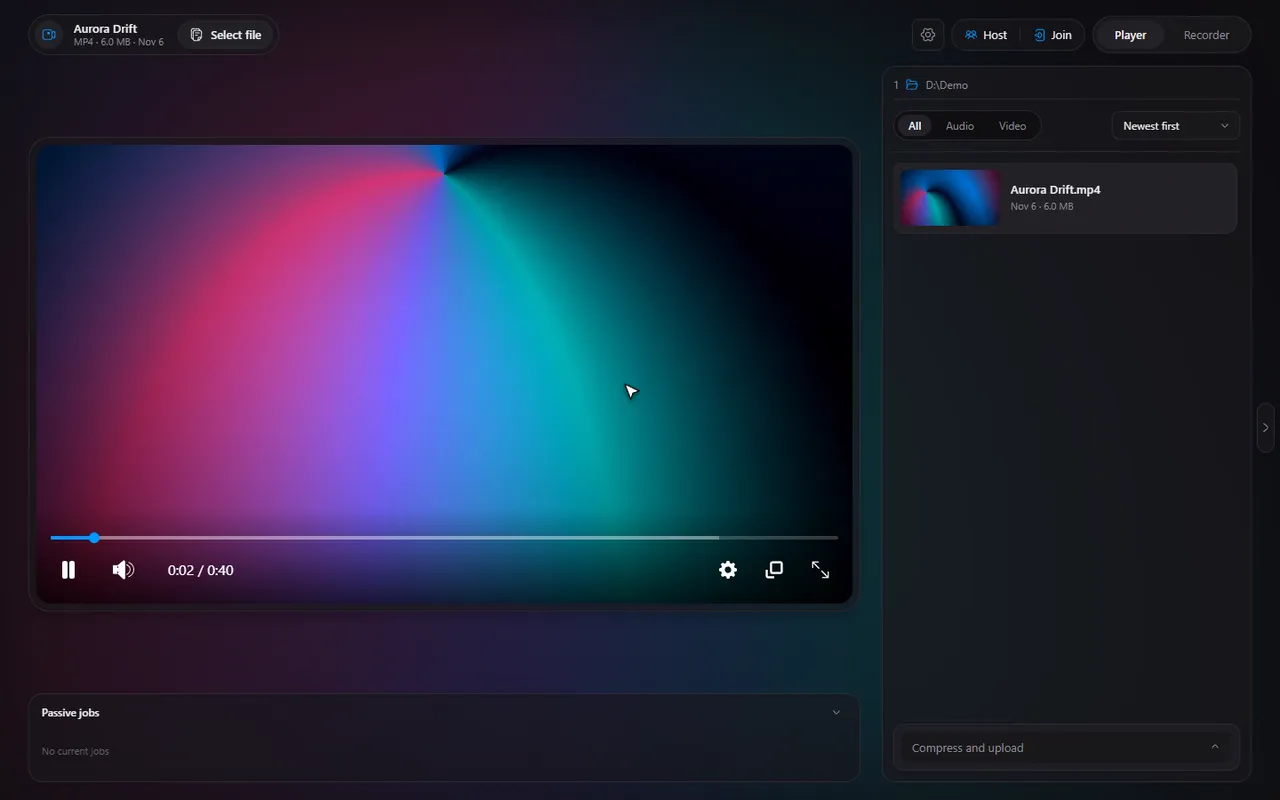
The video formats Timeline plays
| Format | Typical source |
|---|---|
| MP4 | Phones, cameras, downloads, most screen recorders |
| MKV | Films, anime, downloads, and Timeline's own recordings (the default) |
| WebM | Videos saved from the web |
| AVI | Older cameras and old downloads |
| MOV | iPhones and Apple cameras |
Timeline comes with its own copy of ffmpeg, the standard open-source media toolkit. That is why it does not need a codec pack or any extra downloads: install it and these formats play.
Try it in Timeline
Free for Windows 10 and 11. One installer, nothing else to set up.
Broken files and old AVIs
Not every file is perfect. A download that stopped early, a recording that was cut off, or an old AVI with an awkward structure can fail in other players. Timeline repairs or converts the file on the fly when it has to, so the file still plays. It happens in the background, and you do not have to run anything yourself.
Note. Repaired and converted copies are kept in the cache so the work is not repeated. You can see them, and clear them, in the cache manager.
Which format is which
- Recording your screen? Timeline's own recordings are MKV by default (crash-safe); MP4 is one switch away.
- Sharing a clip? MP4 is accepted almost everywhere, and the compress tool makes it small enough.
- Old camera footage? AVI and MOV are covered; Timeline repairs or converts them when needed.
Ways to open a file
- Double-click it in Explorer, or right-click and choose Open with, Timeline.
- Drag it onto the window, or use the open-file button in the app.
- Pick it from the file list of a folder you already opened (see the file list guide).
To make a double-click always open Timeline, set it as your default video player.
And audio
Timeline plays audio too: mp3, wav, ogg, aac, m4a, flac, opus and weba. See play FLAC, Opus and M4A.
What Timeline is not
Timeline is for Windows (10 and 11). It plays the formats listed on this page; it is not a converter, so it does not turn your files into other formats for you (the one exception is compressing a video to a target size).
Questions
Which video formats does Timeline play?
MP4, WebM, MKV, AVI and MOV.
Do I need to install codecs?
No. Timeline includes what it needs, so these formats play after the normal install.
What if a file will not play?
Timeline repairs or converts broken files and AVIs on the fly. If a file is badly damaged, it may still not play, and the Logs page in Settings shows what happened.
Does it work on Mac or Linux?
No. Timeline is made for Windows 10 and 11.