NVENC, AMD AMF, x264 or AV1: which encoder should you pick?
For most people the answer is: leave it on Auto. Here is what happens behind that word, and when to choose yourself.
 LAAGU··2 min readTimeline
What an encoder does
Recording a screen produces a huge stream of pictures. An encoder squeezes it into a file of a sensible size while you record. The question is *where* that work happens: on a special part of your graphics card, or on the processor.
The encoders you will see
| Name | Where it runs | What it is good for |
|---|---|---|
| NVENC (NVIDIA) | On the graphics card | Recording and clipping while a game runs: it barely uses the processor |
| AMD AMF | On the graphics card | The same, on AMD cards |
| AV1 | On the graphics card, where the card supports it | A newer format that can keep quality at smaller files; only shown when your PC offers it |
| x264 / x265 | On the processor | Works on any PC; uses the processor, which a game may also need |
Timeline lists the encoders your PC actually has, with H.264 and H.265 options where they exist.
Try it in Timeline
Free for Windows 10 and 11. One installer, nothing else to set up.
Leave it on Auto
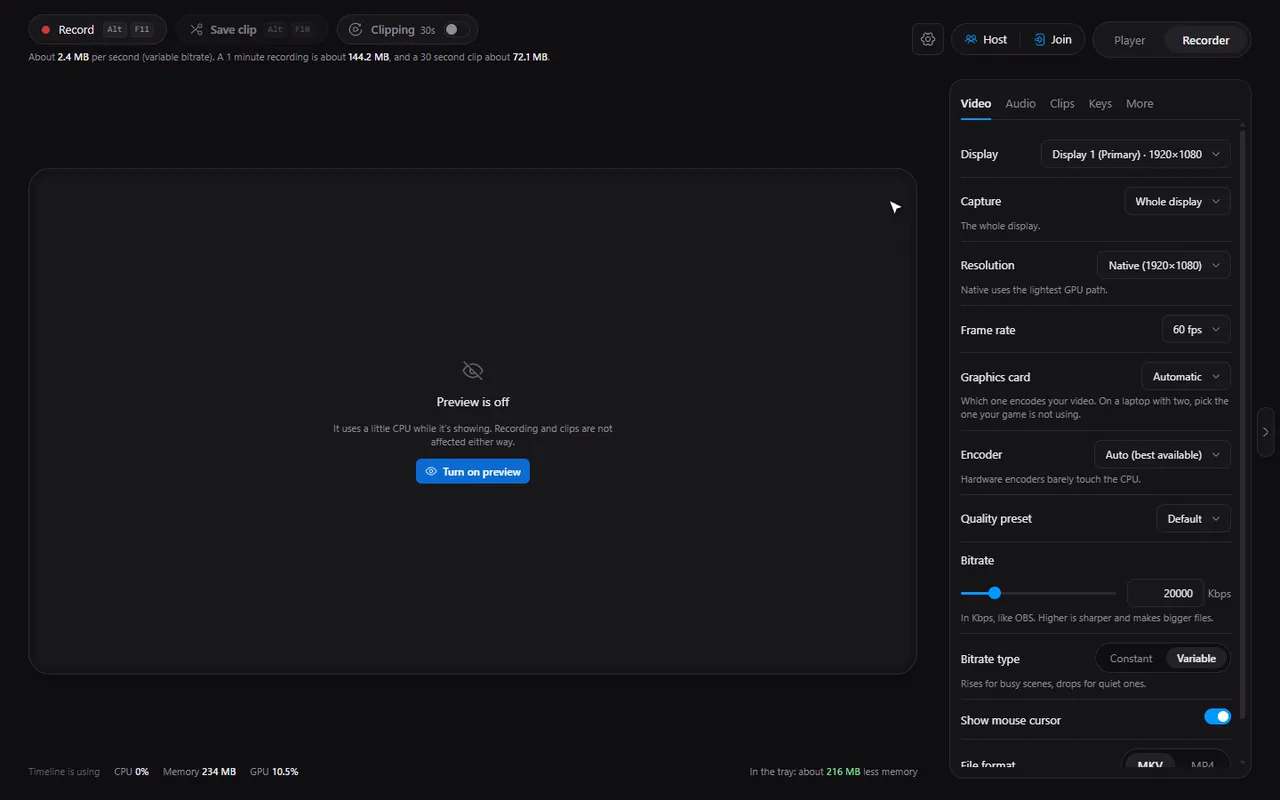
The Encoder setting starts on Auto (best available). Timeline probes your PC and picks the best choice. The UI hint says hardware encoders barely touch the CPU, which is why they are the usual pick for recording a game.
When to choose yourself
- Laptop with two graphics chips: use the Graphics card setting to pick the card that is *not* running your game, so recording and gaming do not compete.
- No usable graphics card: set the graphics card to None (use the processor) to record with the CPU.
- Quality over speed: pick a slower Quality preset for your encoder. Slower presets spend more effort per frame.
If an encoder fails
If a hardware encoder cannot start (a driver problem, for instance), Timeline does not just stop. It falls back to the software x264 encoder and tells you in a notice, something like "NVIDIA H.264 couldn't start, using Software H.264". Your recording still happens.
Note. Clips and recordings share the same capture. Changing capture settings while the buffer runs shows a banner with a Restart clip buffer to apply button.
The same encoders compress videos
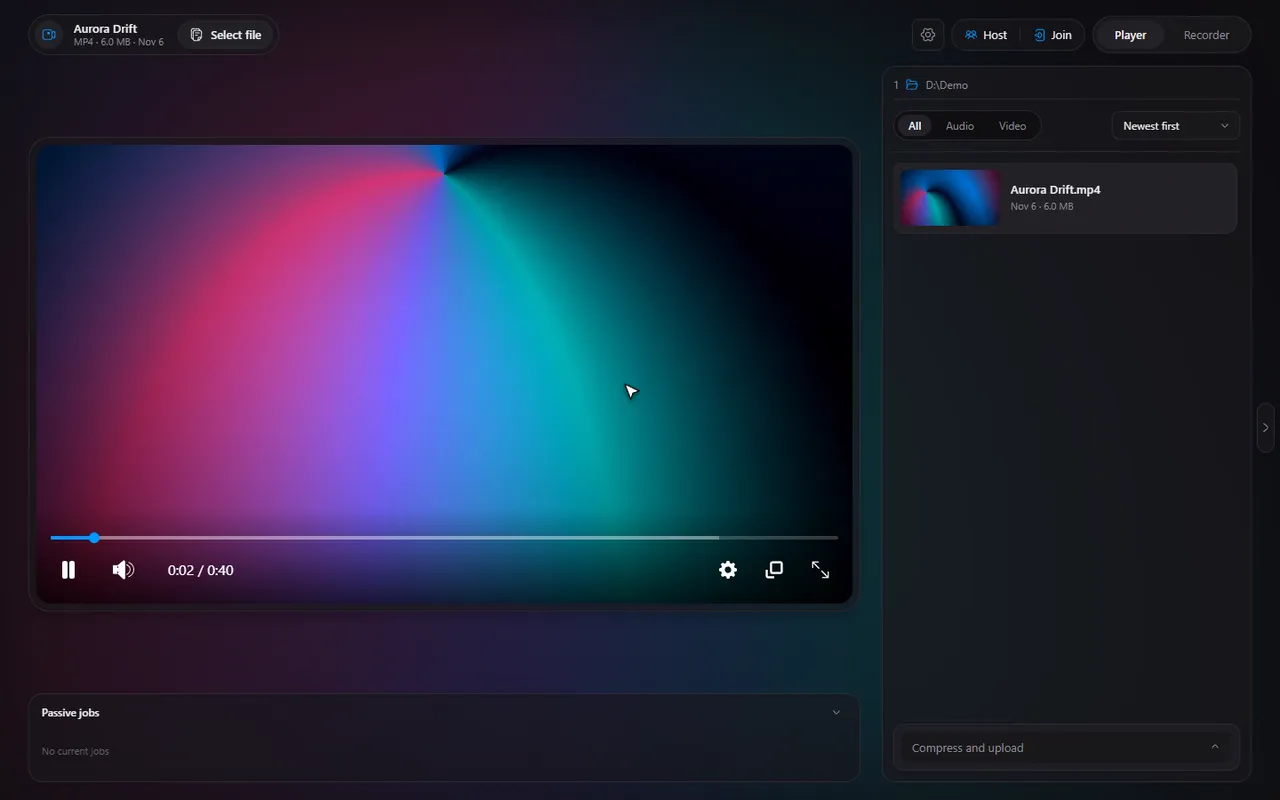
The player's compress tool uses the same kind of GPU encoders, so you pick an encoder and a preset there too.
Questions
Which encoder is best for gaming?
A graphics-card encoder (NVENC on NVIDIA, AMF on AMD) is the usual choice because it leaves the processor free for the game. Auto picks it for you when it is available.
Does Timeline support AV1?
Where your hardware supports AV1 recording, it is offered in the encoder list.
What happens if my GPU encoder fails?
Timeline switches to the software x264 encoder and tells you, so the recording still works.
I have two graphics cards. Which does Timeline use?
Automatic by default. In the Video tab you can choose the card that encodes; on a laptop, pick the one your game is not using.